USTER®
HVI 900
Instruction Manual
Uster Technologies, Inc.
Chapter 8
Version 4.0 (1.99) 940 DataManager - Page 8-10
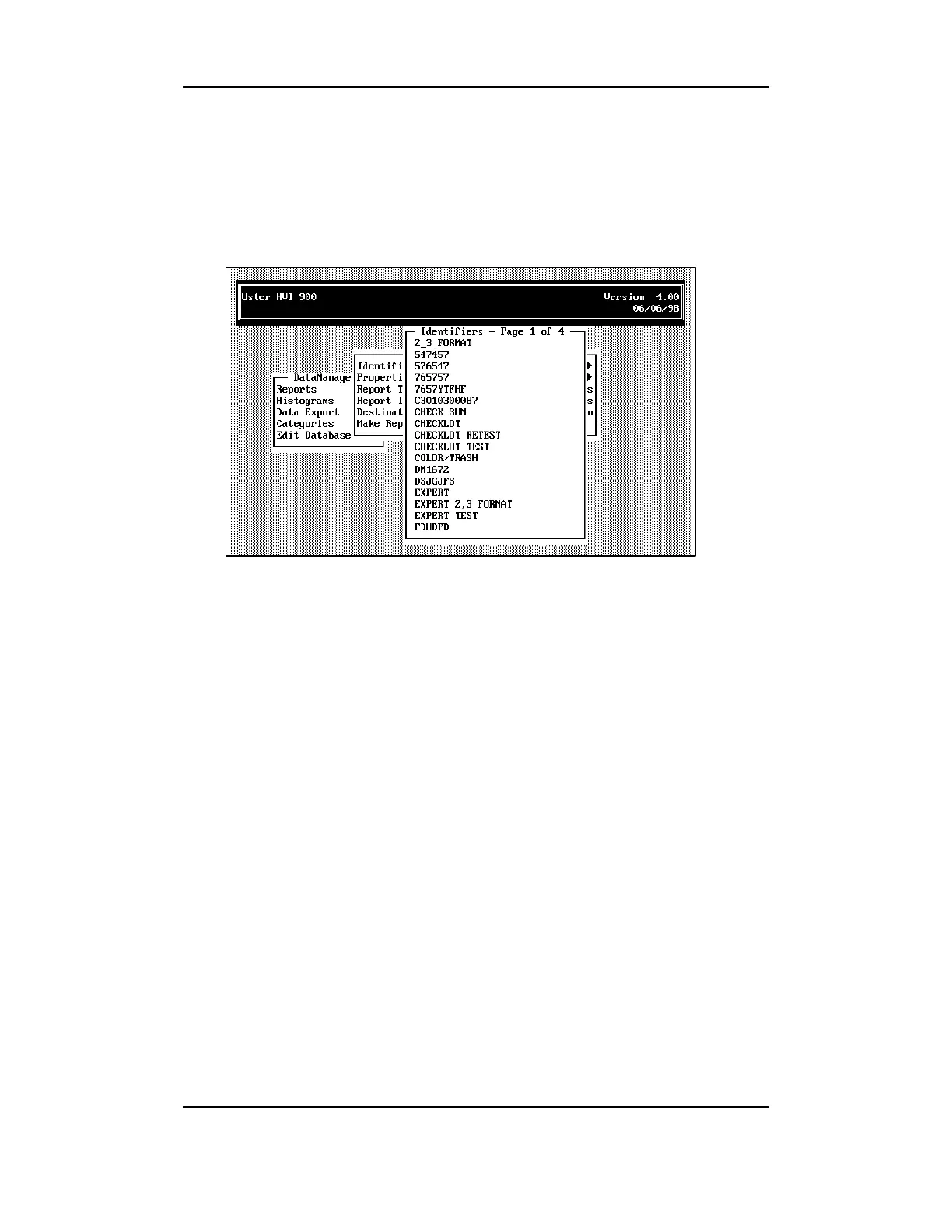
If you selected only one identifier, that identifier name is displayed to
the right of Identifier. If multiple identifiers are to be used for the Report,
an arrow is displayed on the Identifier line. If you selected
All
Identifiers,
"All Identifiers" is displayed to the right of the Identifier field.
The next time Identifier is selected, all previous Identifier selections are
canceled. However, the identifier(s) displayed on the REPORTS MENU
window will be used for generating all reports as long as the REPORTS
MENU screen is active. Once you ESCAPE from the REPORTS MENU, all
identifier selections are canceled.
Note: If you select "Make Report" when no identifier has been
selected, a warning message window is displayed on the screen. You
must select an identifier(s) before selecting "Make Report."



 To Next Page