USTER®
HVI 900
Instruction Manual
Uster Technologies, Inc..
Chapter 13
Version 4.0 (1.99) Fibrosampler - Page 13-6
CAUTION:
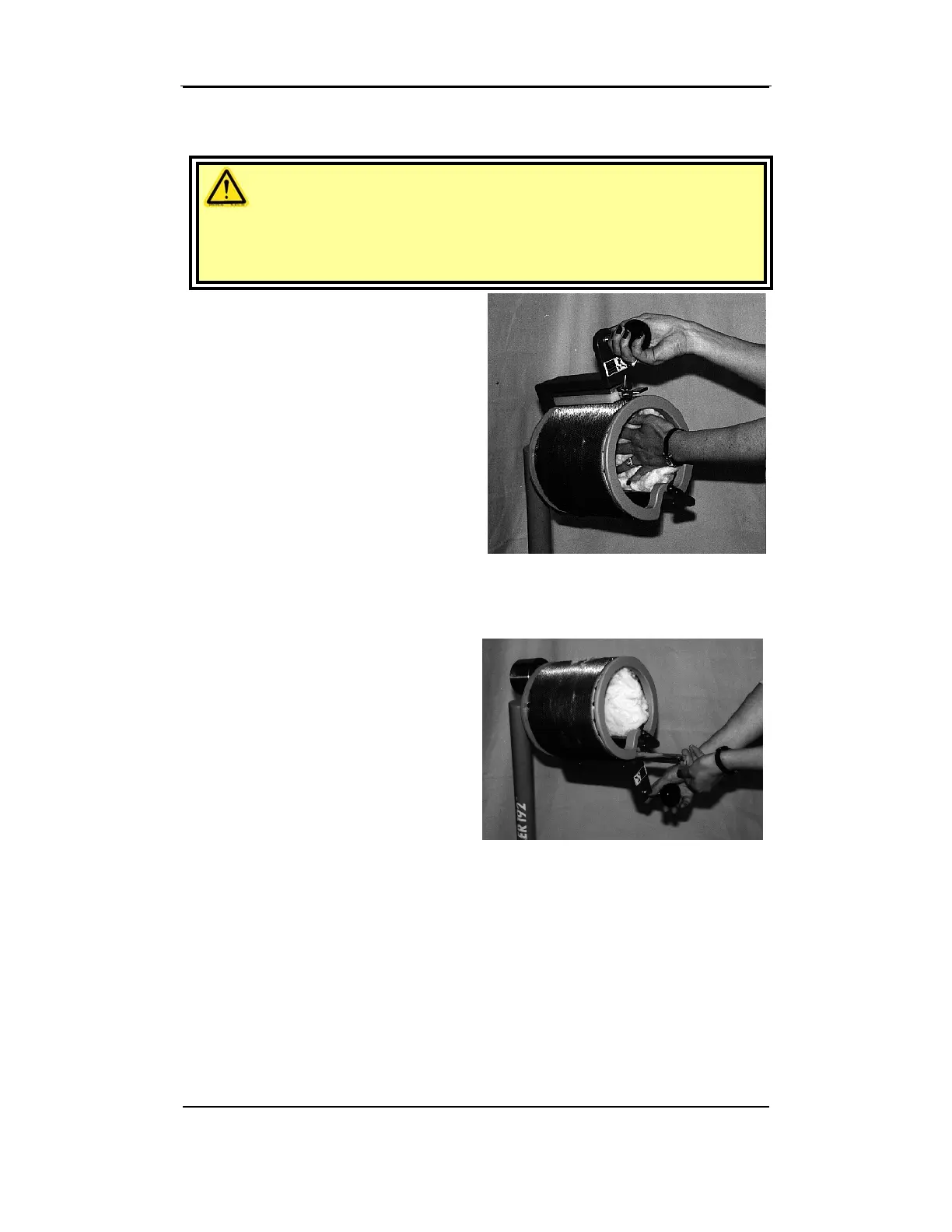
Do not let your fingers protrude through the holes of the sample plate
where they may be caught by the teeth of the Fibrocomb.
• With the right hand, rotate the
operating handle counter-
clockwise one complete turn.
The comb will open as it moves
up to the sample plate. To
make the complete turn, remove
the left hand from inside the
cylinder after the comb passes
the sample plate.
• Close the comb by rotating the handle counter-clockwise against the
stop and remove the comb to see if the teeth are uniformly full of
fiber. If not, return the comb with the sample to the comb holder.
• When adding fiber to a
sample, adjust the sample in
the Fibrosampler drum so the
fibers protrude through the
sample plate holes at the right
place to fill the empty spot in
the comb.
• Again, rotate the operating handle counterclockwise one complete
turn. Close and remove the comb to see if the comb teeth are
uniformly full of fiber.
For short fibers several turns may be necessary to fill the comb
completely.



 To Next Page