1128600 SmartPAC 2 with WPC 2000 Integration User Manual
6-2 Run Mode
Entering and Exiting Run Mode
Follow the instructions shown in Table 6-1 to enter and exit Run mode. See Figure 3-28,
page 3-22 for help in navigating in Run mode.
Loading a Tool
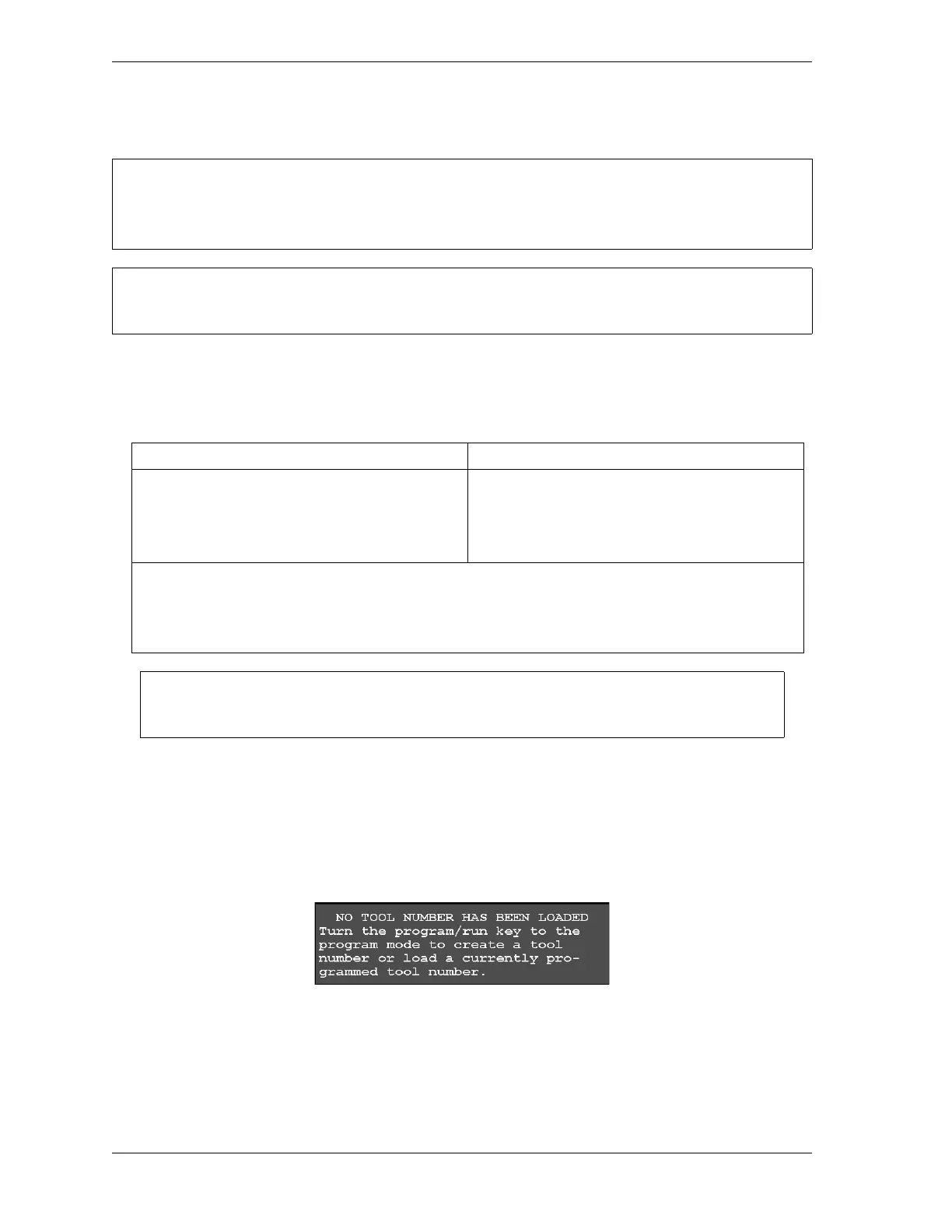
A tool must be loaded before SmartPAC 2 will allow the press to run. If you attempt to switch
from Initialization or Program mode to Run mode with no tool loaded, the error message
shown in Figure 6-2 displays.
To respond to this error, do the following:
1. Turn the Program/Run key to PROG.
SELECT = HIGHLIGHT + ENTER
When this manual instructs you to select an item, you should highlight the item and press ENTER.
Load a tool number before entering Run mode (see next section).
Table 6-1. Instructions for Entering and Exiting Run Mode
To Enter Run Mode To Exit Run Mode
From Program mode:
Turn the Program/Run key to RUN.*
To switch to Program mode:
Turn the Program/Run key to PROG.*
* If you turn the key and nothing happens, press RESET repeatedly until SmartPAC 2 changes modes. Make
sure SmartPAC 2 is in the Main (or top) menu for the mode it is in before you turn the Program/Run key. If
SmartPAC 2 is not in a top-level menu, press RESET repeatedly until the Main menu appears.
If the message “PRESS CONTROL IS IN LOCKOUT MODE” displays on the SmartPAC 2 front panel, turn
the Stroke Select key switch to OFF, then back to the desired operating mode to clear the message.
For help with a Run mode screen, press the HELP key when that screen is displayed.
Figure 6-2. No Tool Loaded Warning Window



 To Next Page