2.9 Setting Control Panel
2-27
2
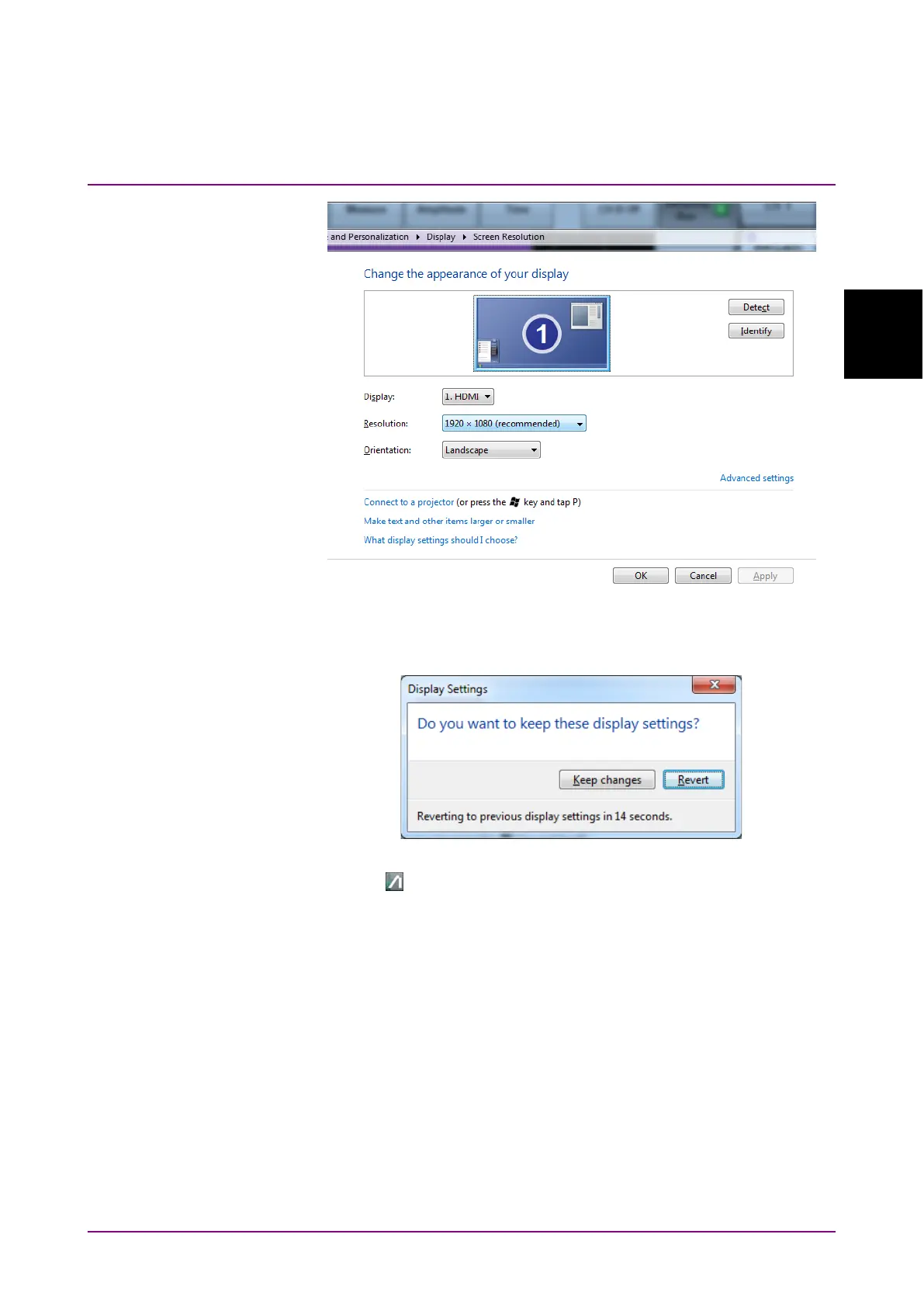
8. Click
OK.
9. The dialog box confirming changes of the desktop appears.
Click
Keep changes.
10. Click on the task bar.
11. When the external monitor resolution is set to
1280 × 800, click
System Menu - Dock/Undock to fix the application window at top left
of the screen (refer to 4.3.9 “Dock/Undock”).
Note:
Do not set the Control Panel - Display setting to anything other
than
Smaller - 100% (default).














 To Next Page