Chapter 6 How to Operate Sampling Scope
6-32
6.2.4 Measure Dialog Box
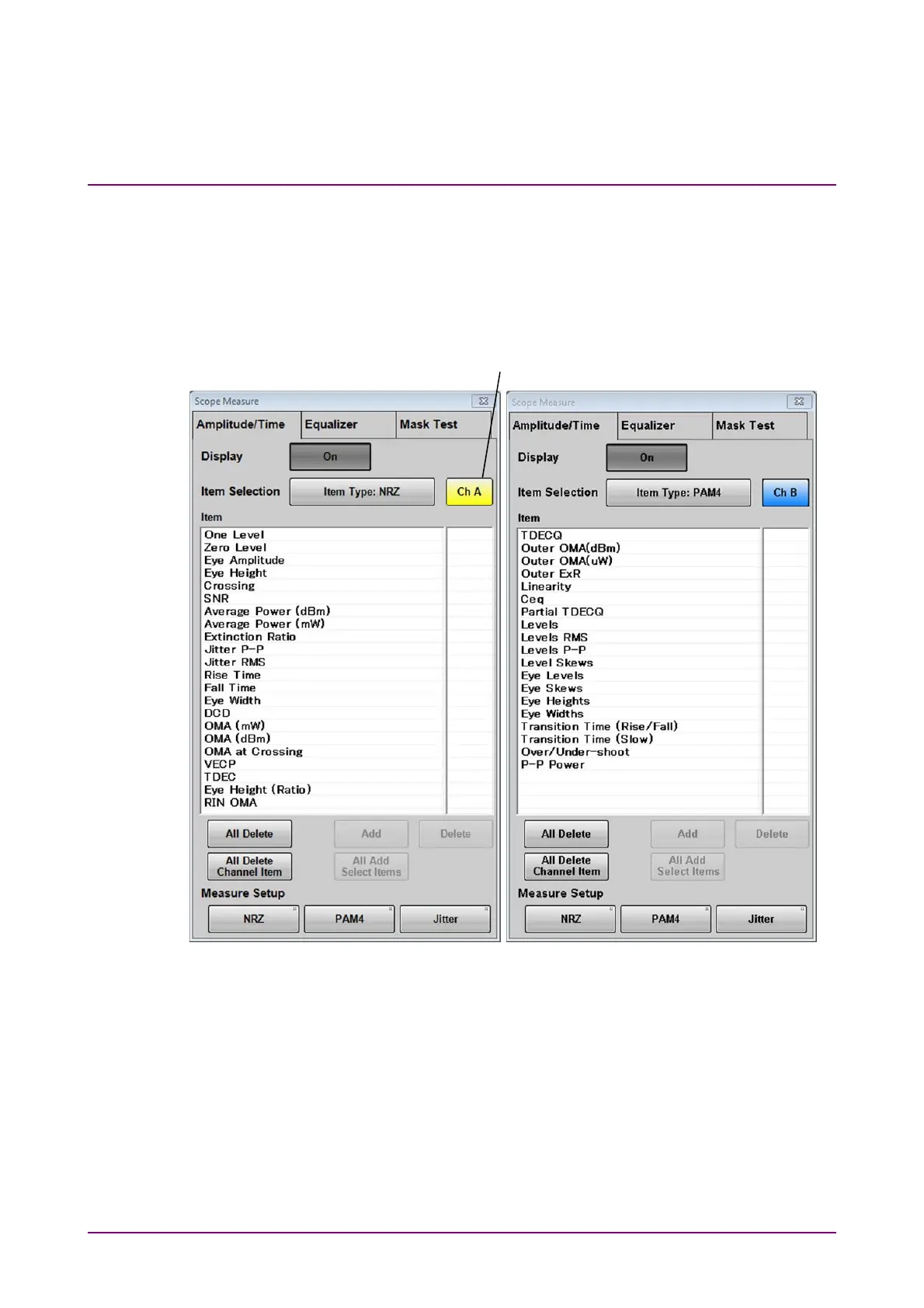
When clicking Measure in the Figure 6.2.1-1 “Result Window”, the
Measure dialog box shown in Figure 6.2.4-1 is displayed.
If both Signal Type of Ch A and Ch B are set to PAM4 in the Setup dialog
box, Mask Test tab cannot be operated.
Figure 6.2.4-1 Measure Dialog Box - Amplitude/Time Tab (NRZ, PAM4)
NRZ
PAM4
Active channel switch














 To Next Page