Chapter 2 Before Use
2-16
2.5 Connecting Remote Control Devices
Refer to 4.3.10, “Remote Control” for details of how to set the remote
control interface.
Ethernet
Connect an Ethernet cable that is CAT 5 cable or newer to the Ethernet
connector on the rear panel.
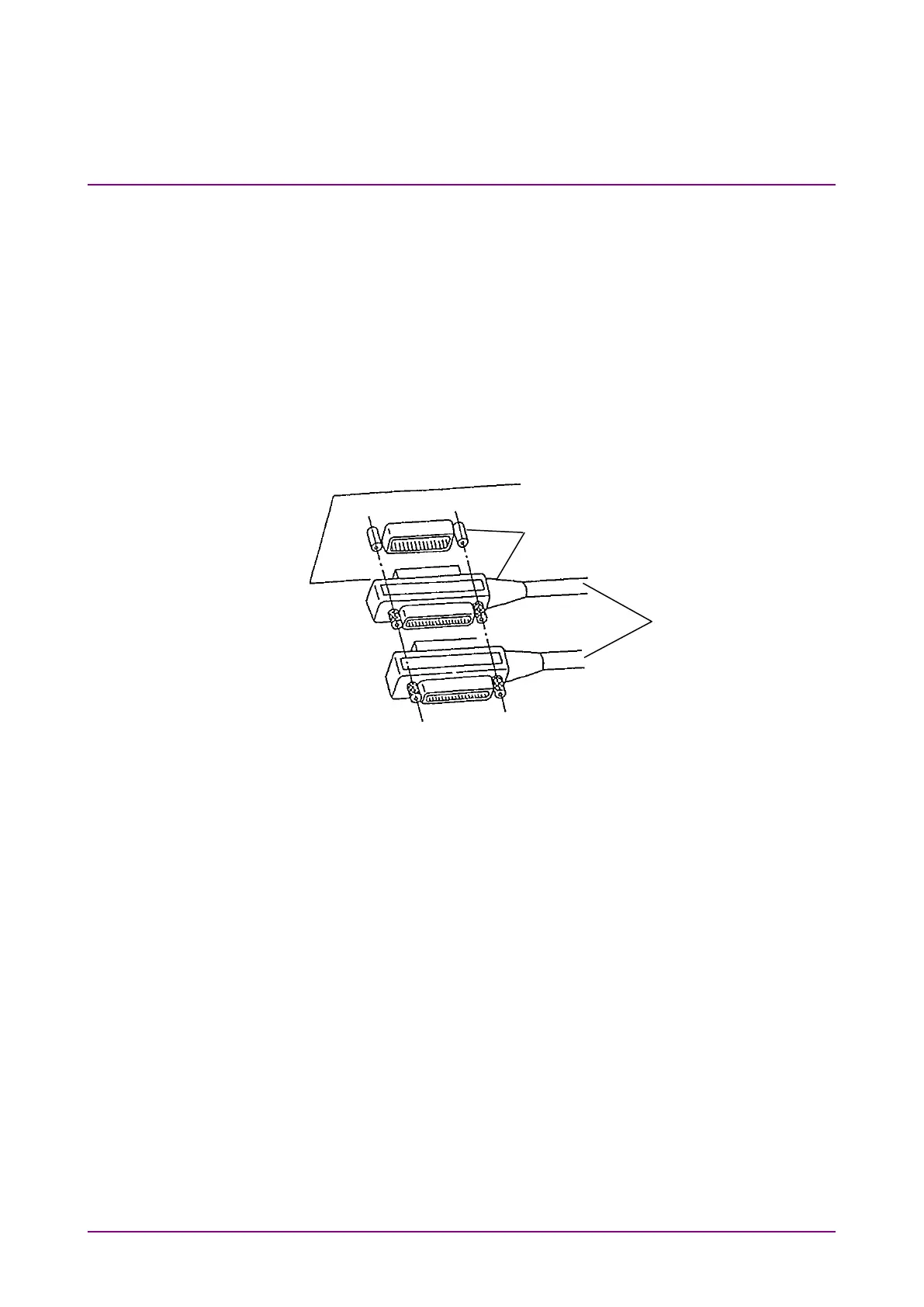
GPIB
Connect the cable to the rear-panel GPIB connector.
Figure 2.5-1 GPIB Cable Connection 1
Total cable length: Up to 20 m
Cable length between devices: Up to 4 m
Number of devices that can be connected: Up to 15














 To Next Page