6.2 Explanation of Windows
6-47
6
How to Operate Sampling Scope
6.2.5 Amplitude, O/E Dialog Box
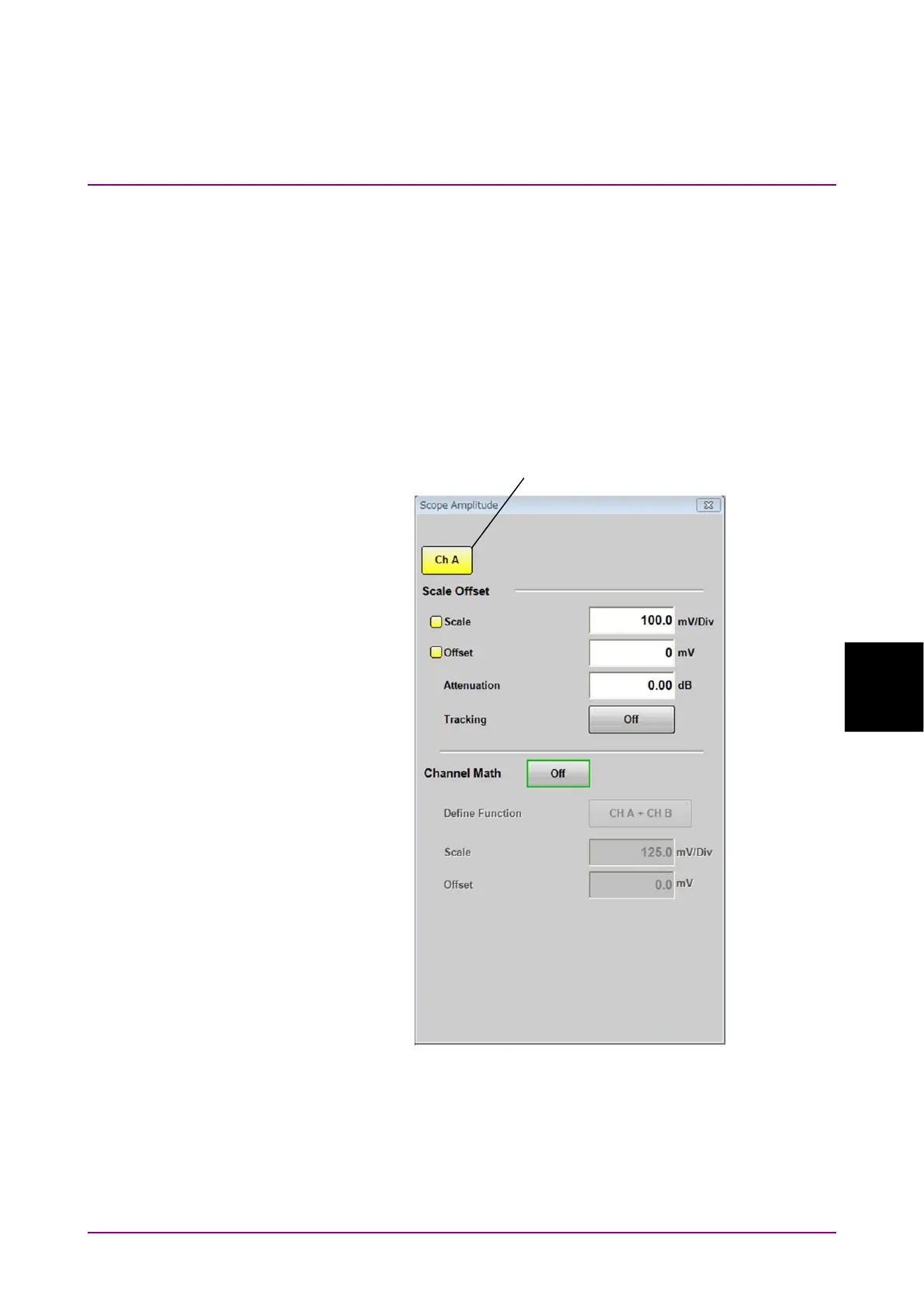
When you click Amplitude O/E in the Result Window shown in Figure
6.2.1-1, you will see the Amplitude dialog box (one of Figure 6.2.5-1 to
Figure 6.2.5-3) that corresponds with your system configuration. The O/E
tab is displayed if the MP2110A is provided with optical input
connector(s).
The setting items effective only for the active channel are indicated by the
same color as the active channel.
Figure 6.2.5-1 Amplitude Dialog Box (When MP2110A-021)
Active channel switch














 To Next Page