4.3 Setting System Menu
4-17
4
4.3.11 System Information
Displaying the system information
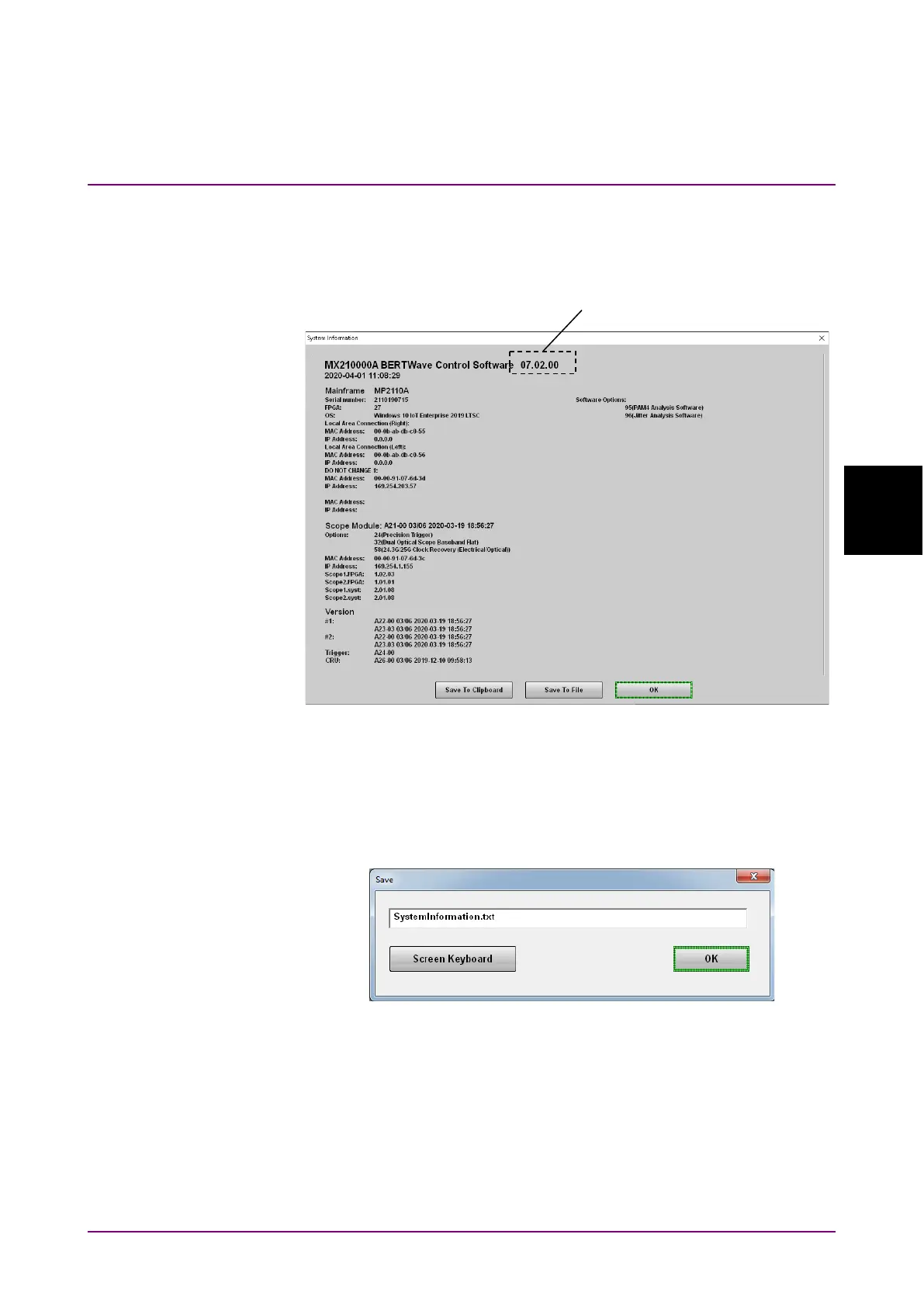
Click System Information. The System Information dialog box appears.
Figure 4.3.11-1 System Information Dialog Box
Click
Save To Clipboard to copy the system information to the Windows
clipboard.
Click
Save To File to open the Save dialog box. Enter the file name and
click
OK to save the system information to a file.
Click
Exit to close the System Information dialog box.














 To Next Page