Chapter 2 Before Use
2-26
2.9.3 Setting External Monitor
The external monitor resolution is changed using the following methods.
MP2110A uses Windows Embedded Standard 7 (WES7) 64 bit version or
Windows 10 IoT Enterprise 2019 LTSC (Win10). The setting method
differs depending on the operating system.
For WES7:
1. Connect the external monitor to the monitor connector on the rear
panel of the MP2110A.
2. Set the MP2110A and monitor power to On.
3. Click
System Menu.
4. Click
Minimize.
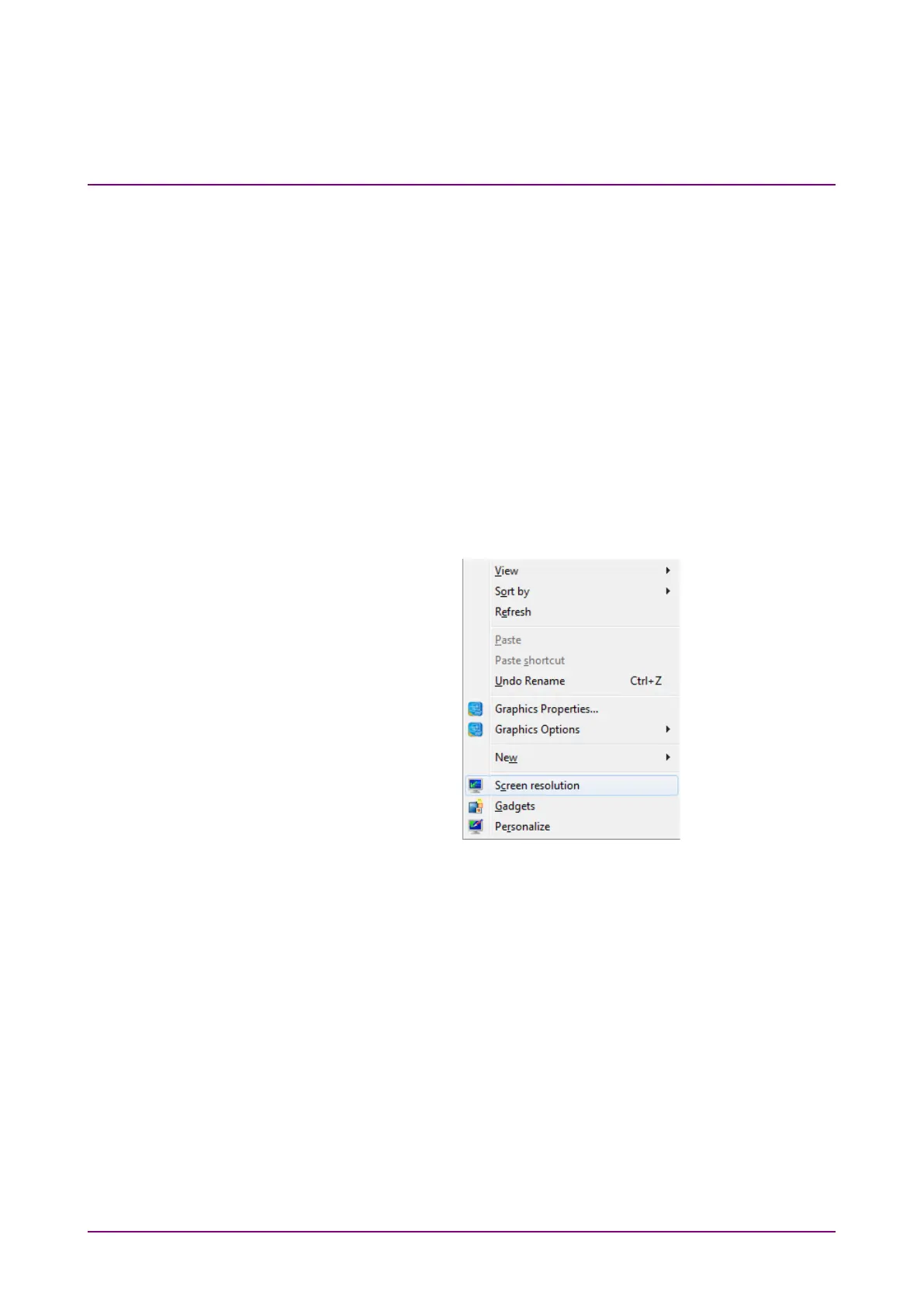
5. Right click on desk top.
6. Click
Screen resolution.
7. Change the external monitor resolution.
Specify
1280 × 800 or greater at Resolution to display the application
window in full screen.














 To Next Page