Chapter 4 Screen Operation
4-8
4.3 Setting System Menu
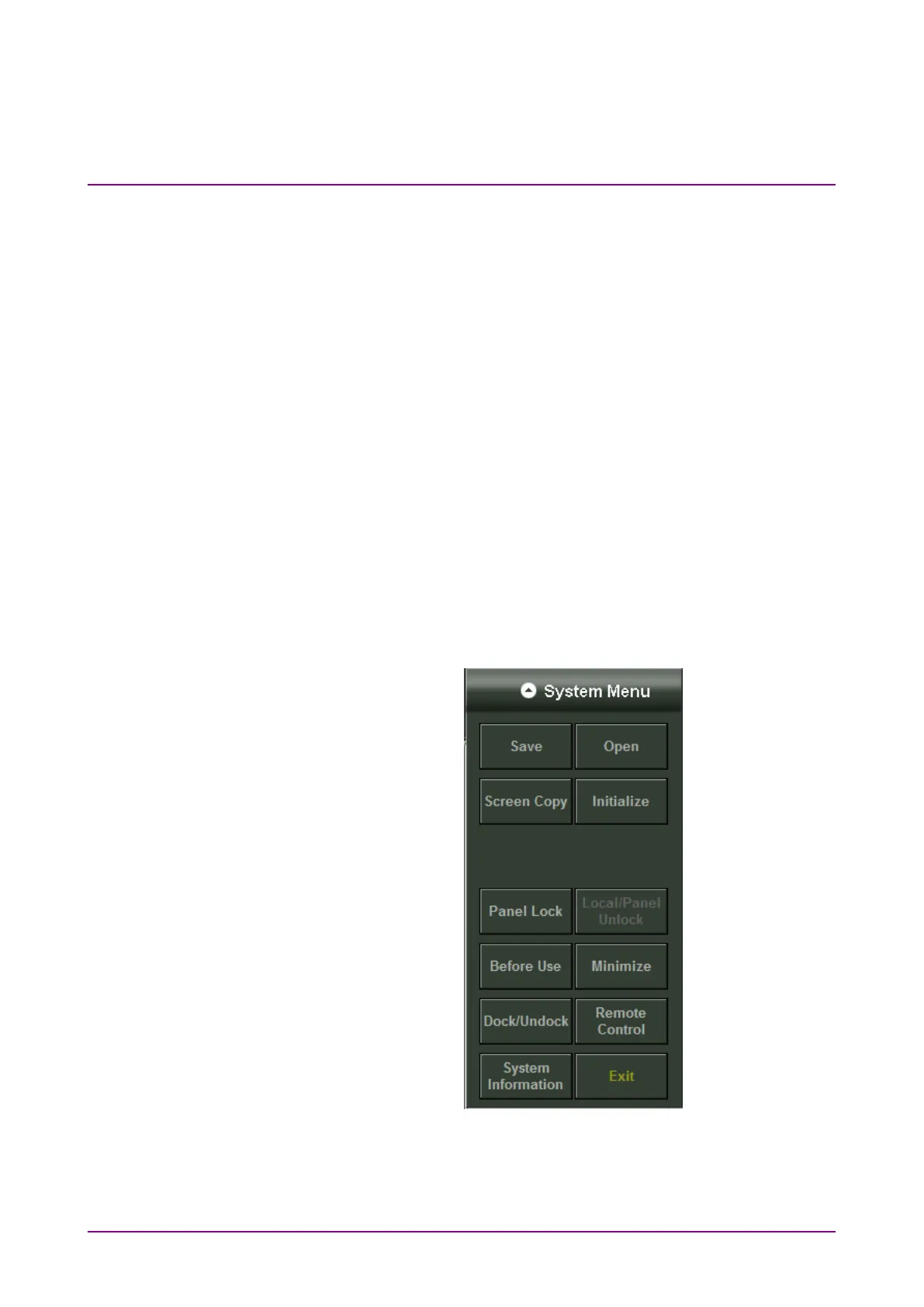
The following items can be set and confirmed at the system menu.
•
Saving measurement conditions and measurement results (Save)
•
Loading measurement conditions (Open)
•
Saving window image (Screen Copy)
•
Initializing device settings (Initialize)
•
Setting panel lock (Panel Lock)
•
Enabling panel lock and remote display (Local/Panel Unlock)
•
Playing back the video of countermeasure against static electricity
(Before Use)
•
Minimizing screen display (Minimize)
•
Setting the application window display position (Dock/Undock)
•
Setting remote control (Remote Control)
•
Displaying system information (System Information)
•
Terminating application (Exit)
To display the system menu, click
System Menu as shown in Figure 4.1-1.
Figure 4.3-1 System Menu














 To Next Page