4.2 Data Input Method
4-7
4
Software Keyboard
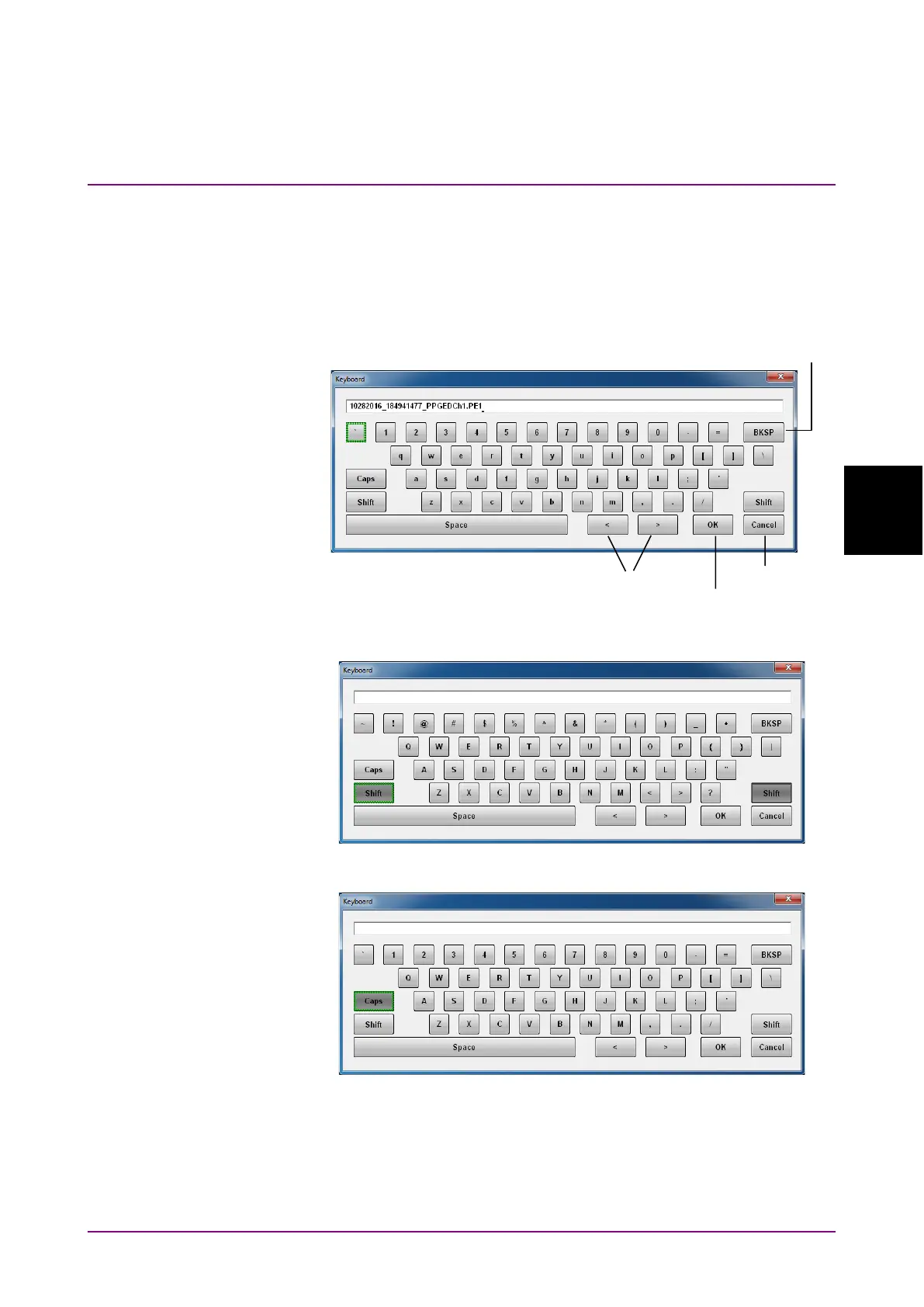
When entering character string data such as file name, click
Screen
Keyboard. In the Keyboard screen (Figure 4.2-3), click keys to enter an
alphanumeric string. If you click Shift or Caps once, all keys are locked.
To unlock them, click
Shift or Caps again.
Figure 4.2-3 Software Keyboard
Figure 4.2-4 Software Keyboard (Shift Locked)
Figure 4.2-5 Software Keyboard (Caps Key Locked)














 To Next Page