4.3 Setting System Menu
4-9
4
4.3.1 Save
Saving measurement conditions and measurement results
1. Click Save to display the Save panel.
2. Select the save data from the following:
PPG/ED Ch 1, PPG/ED Ch 2, PPG/ED Ch 3, PPG/ED Ch 4, Scope, All
Setups
The displayed module varies with the options.
3. When
PPG/ED Ch 1, PPG/ED Ch 2, PPG/ED Ch 3, PPG/ED Ch 4, or
Scope is saved, select the data type from the following:
Setting: Measurement conditions
Result: Measurement results
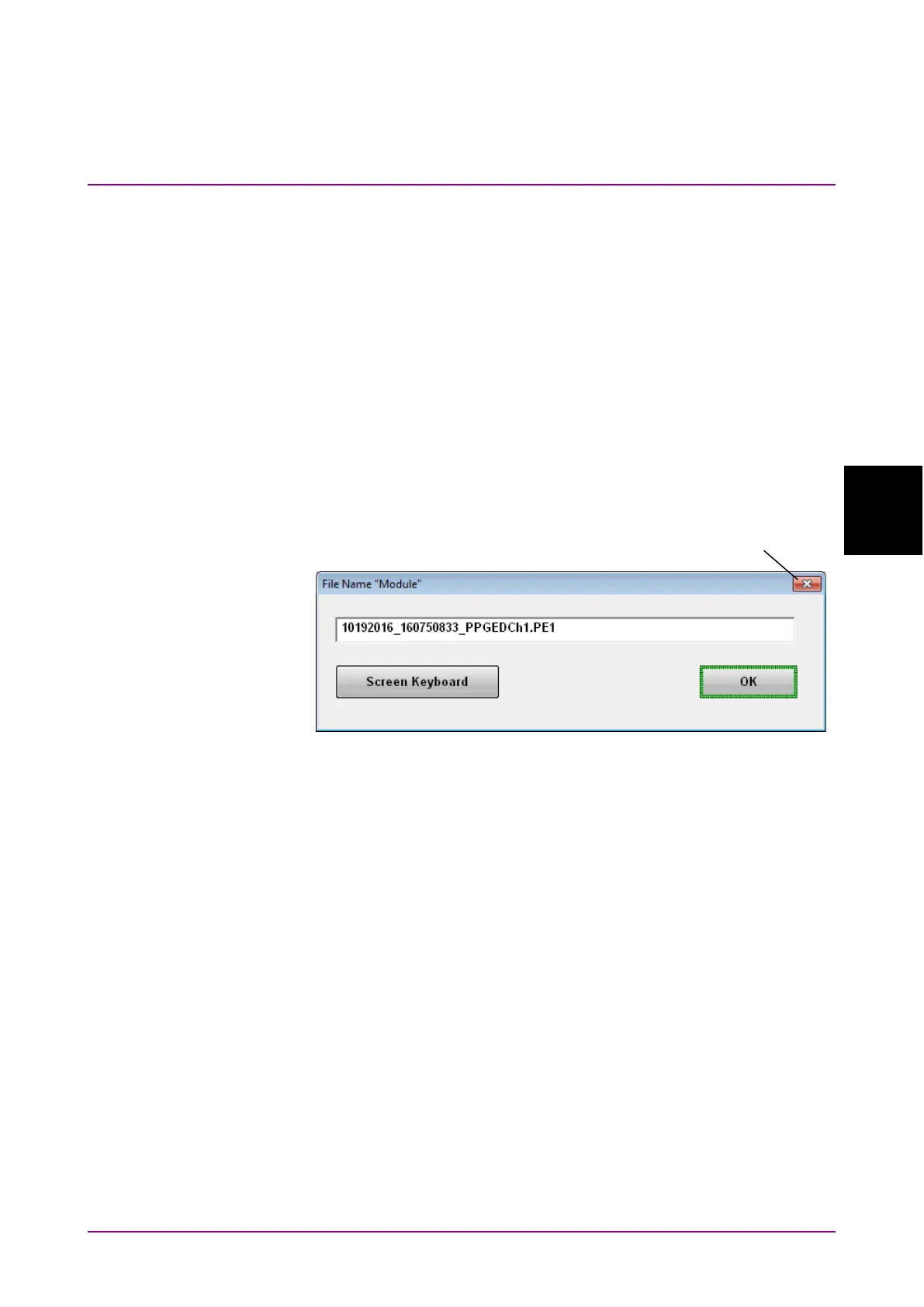
4. The file name is displayed. To edit the displayed default file name,
click
Screen Keyboard.
5. In the Keyboard screen, edit the file name.
6. To save to a file, click
OK. To cancel saving procedure, click the Close
button.
Measurement condition files are saved in the following folder:
C:\Users\Public\Documents\Anritsu\MX210000A\UserData\Setting
Measurement result files are saved in the following folder:
C:\Users\Public\Documents\Anritsu\MX210000A\UserData\Result\CSV
C:\Users\Public\Documents\Anritsu\MX210000A\UserData\Result\TXT
CSV files can be load in spreadsheet software.
Text files can be opened in text editor.














 To Next Page