A.3 Sampling Oscilloscope
A-21
A.3.5 Utilities
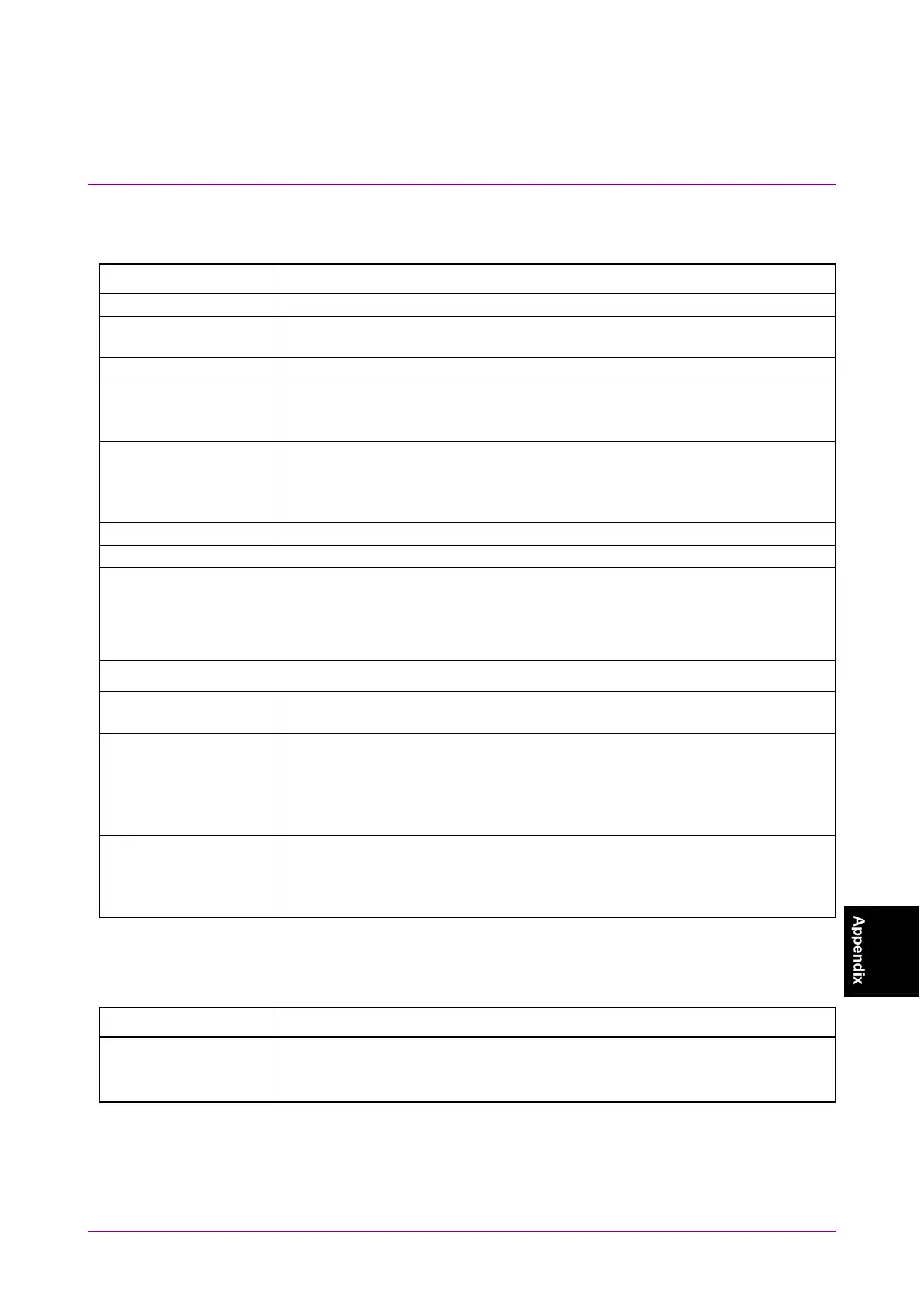
Table A.3.5-1 Utilities
Item Specifications
Saves Result screen image as jpg or png format image.
Saves EYE / Pulse Shot waveform area with reversing the color.
Saves only the waveform display area in the Result screen.
Selects the gradation table of the waveform at the time of cumulative
setting.
Option: Color Grade, Gray Scale
Selects a basic color when Waveform Color is set to “Gray Scale”.
Option: Yellow, Blue, Green, Pink, Orange, Light Blue, Light Green, Red
The color can be set separately for before and after adaptation of the TDECQ
Selects the color of Mask displayed at Mask Test.
Displays or hides the preset information in the waveform display area.
Displays arbitrary character string on EYE / Pulse Scope screen.
One label is displayed on one screen. The maximum number of characters is
1023 characters.
Deletes the displaying label.
Stores measurement waveform in internal memory.
“Set”: Saves the waveform data of all displayed channels.
“Clear”: Clears the saved waveform data.
Switches the display mode.
“Overlap”: Displays waveforms of all channels on a graph.
“Single”: Displays the waveform of the active channel.
“Tile”: Splits the graph area in quarters and displays waveforms of
all channels in the separate split graph areas.
Switches the control channel mode.
“All”: Applies changes to settings for all channels.
“Single”: Changes settings for the active channel only. (Limited to some
A.3.6 Maintenance
Table A.3.6-1 Calibration
Item Specifications
Calibrates Amplitude (Offset and linearity calibration)
and O/E Module Calibration of dark current / current system














 To Next Page