Chapter 4 Screen Operation
4-10
4.3.2 Open
Loading measurement conditions from file
1. Click Open to display the Open panel.
2. Select the target module form the following:
PPG/ED Ch 1, PPG/ED Ch 2, PPG/ED Ch 3, PPG/ED Ch 4, Scope, All
Setups
The displayed module varies with options.
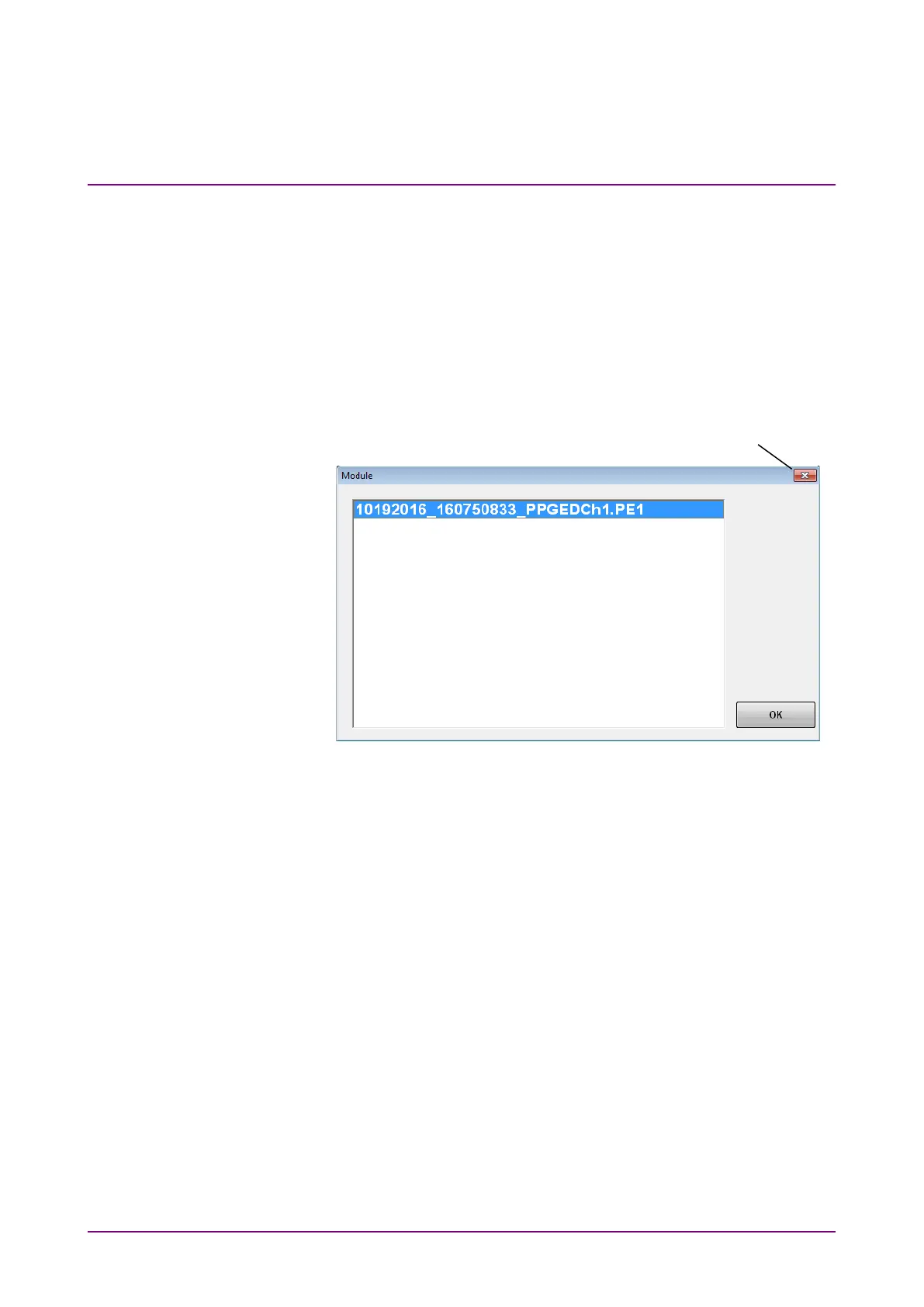
3. The file selection screen is displayed.
4. Click the file to be load.
5. To load the file, click
OK. To cancel loading the file, click the Close
button.














 To Next Page