6.8 Adjusting Scales
6-79
6
How to Operate Sampling Scope
6.8.2 Adjusting Vertical Axis
To adjust voltage or optical power at center of vertical axis
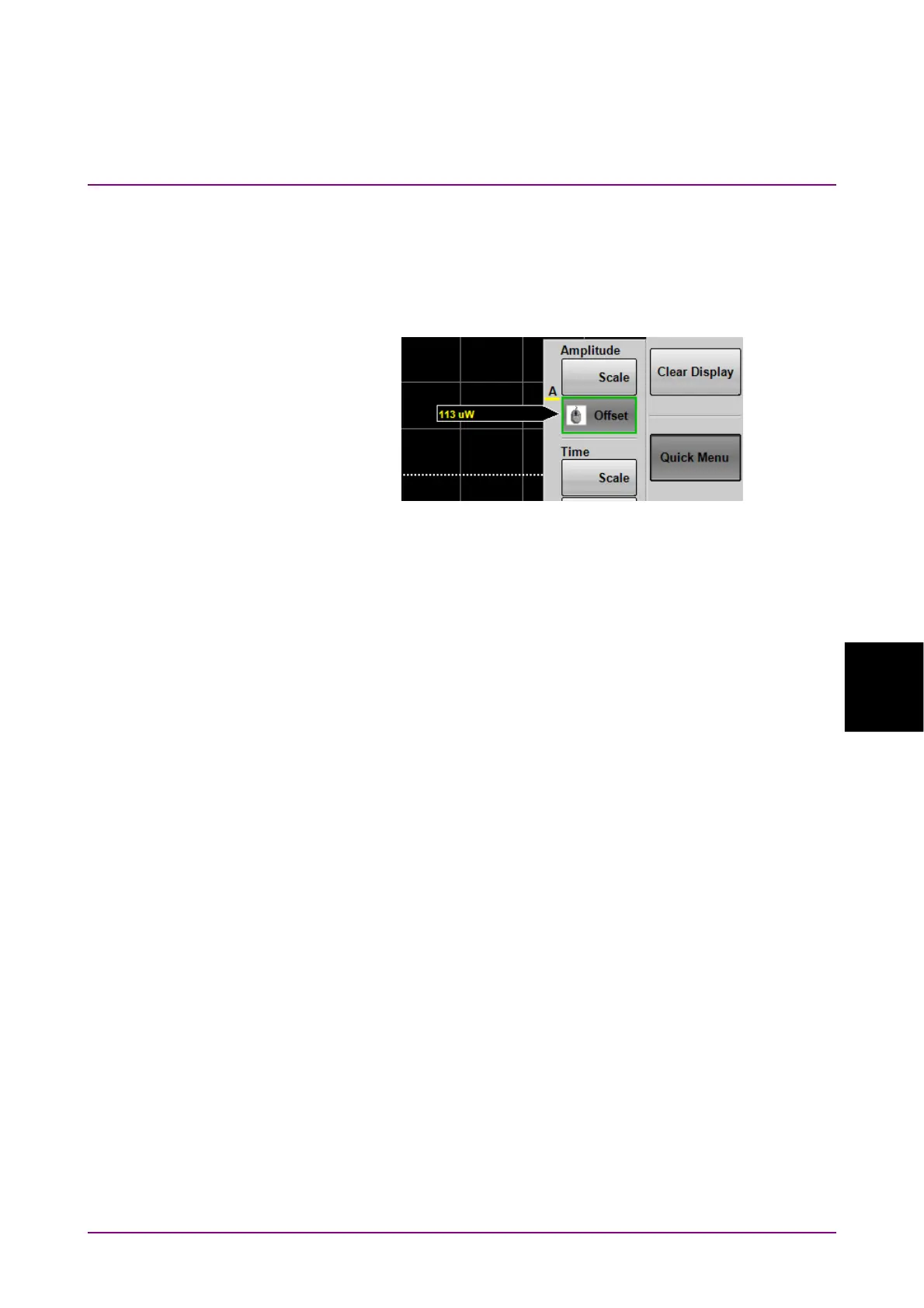
1. Click Quick Menu on the left side of the waveform display area.
2. When the buttons are displayed, click the Offset button of Amplitude.
The mouse icon is displayed in the button.
3. Input the power voltage or optical power at the screen center position
using the mouse wheel.
To adjust voltage or optical power per scale:
1. Click Quick Menu in the right side of the waveform display area.
2. When the buttons are displayed, click the Scale button. The mouse
icon is displayed in the button.
3. Input the voltage or optical power per scale using the mouse wheel.
This causes a change of the scale value of the active channel
displayed in the waveform display area. For the location of scale
display, refer to Figure 6.2.1-6.
The vertical-axis can also be adjusted by directly entering the value in the
Amplitude, O/E Dialog Box.
1. Click Amplitude O/E.
2. Click the Offset text box.
3. Input the voltage or optical power at the screen center position.
4. Click the Scale text box.
5. Input the voltage or optical power per scale.














 To Next Page