4.8 Displaying Date/Time and Status
4-23
4
4.8 Displaying Date/Time and Status
To display date and time
Date and time are displayed on the upper right side of the screen.
Date and time can be changed in the Windows Control Panel.
To display status
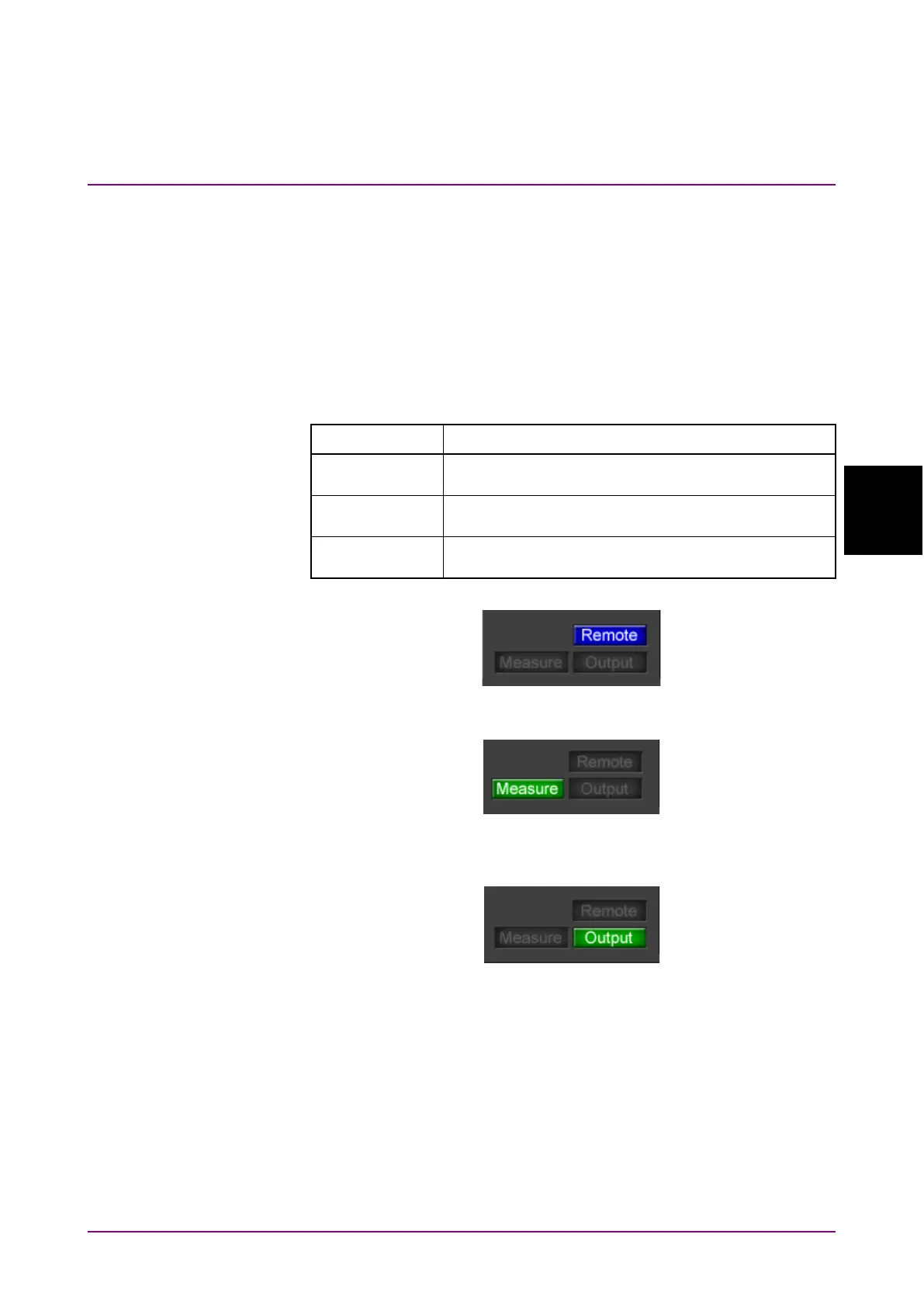
The following three kinds of indicators indicate the status.
Table 4.8-1 Status Indicators
Indicator Status
Turns blue when the MP2110A is being remotely
controlled.
Turns green when measuring bit error rate or
acquiring waveform data of sampling oscilloscope.
Turns green when a signal is being output from one
of the PPG channels.
Figure 4.8-1 Status Indicators During Remote Control
Figure 4.8-2 Status Indicators During Bit Error Rate Measurement and
Waveform Data Capture
Figure 4.8-3 Status Indicators When PPG Signal is Output














 To Next Page