6.9 Measuring Waveform
6-117
6
How to Operate Sampling Scope
6.9.7 Using Trace Memory
The trace memory is a function to save the measurement waveform in the
memory.
The waveform saved in the trace memory calls the reference trace.
To save the waveform in the trace memory
1. Click Setup to open the Setup dialog box.
2. Select a channel or channels for waveform display by clicking the
Trace switch buttons.
3. Click the Utilities tab.
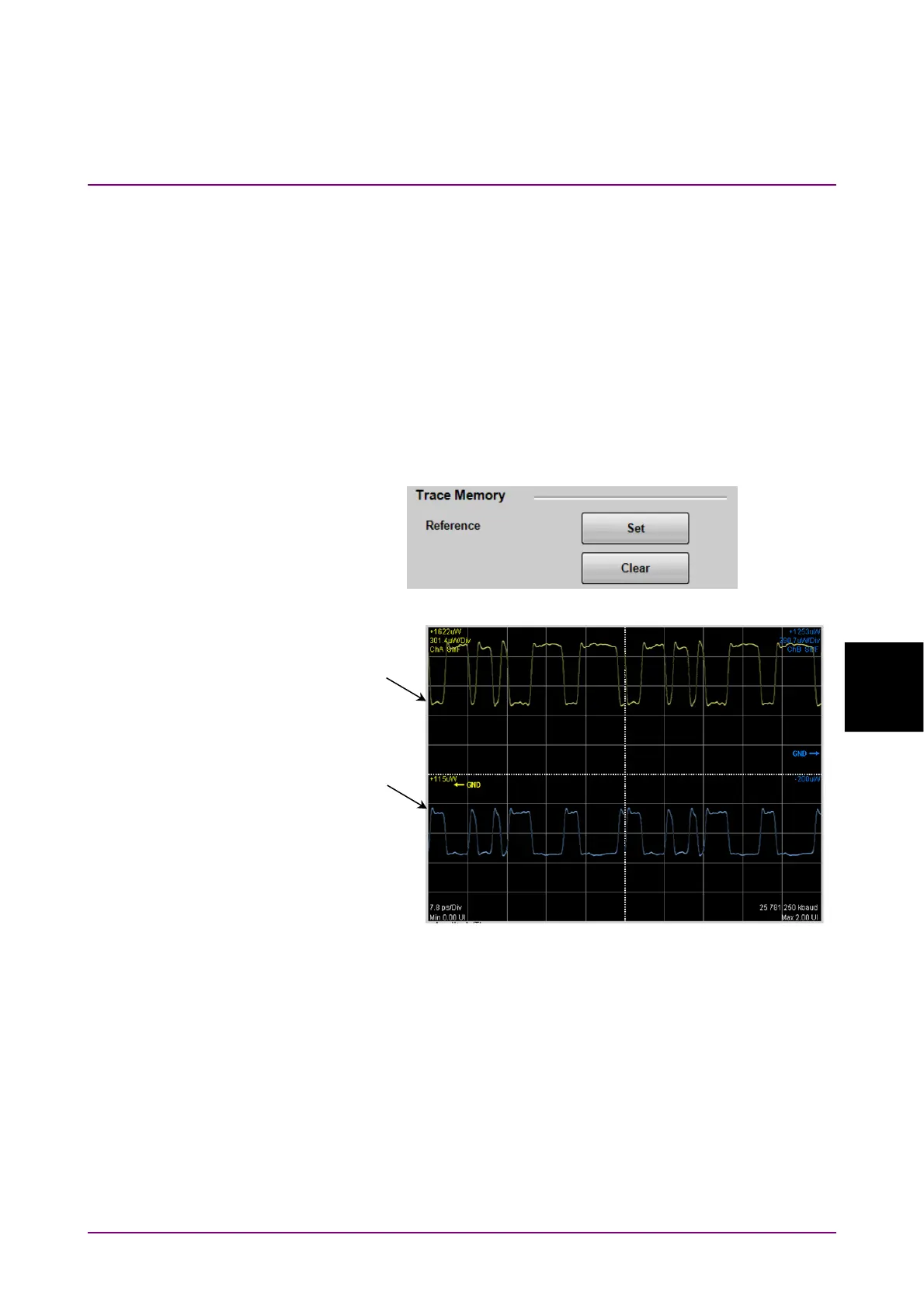
4. Click Set of Reference.
The trace waveform is displayed in the screen.
Figure 6.9.7-1 Waveform Display of Trace Memory
To delete the trace memory waveform
1. Click Setup to open the Setup dialog box.
2. Click the Utilities tab.
3. Click Clear of Reference.
Clear Display does not delete the waveforms saved to the trace memory.
Trace memory A
Trace memory B














 To Next Page