4.3 Setting System Menu
4-15
4
4.3.10 Remote Control
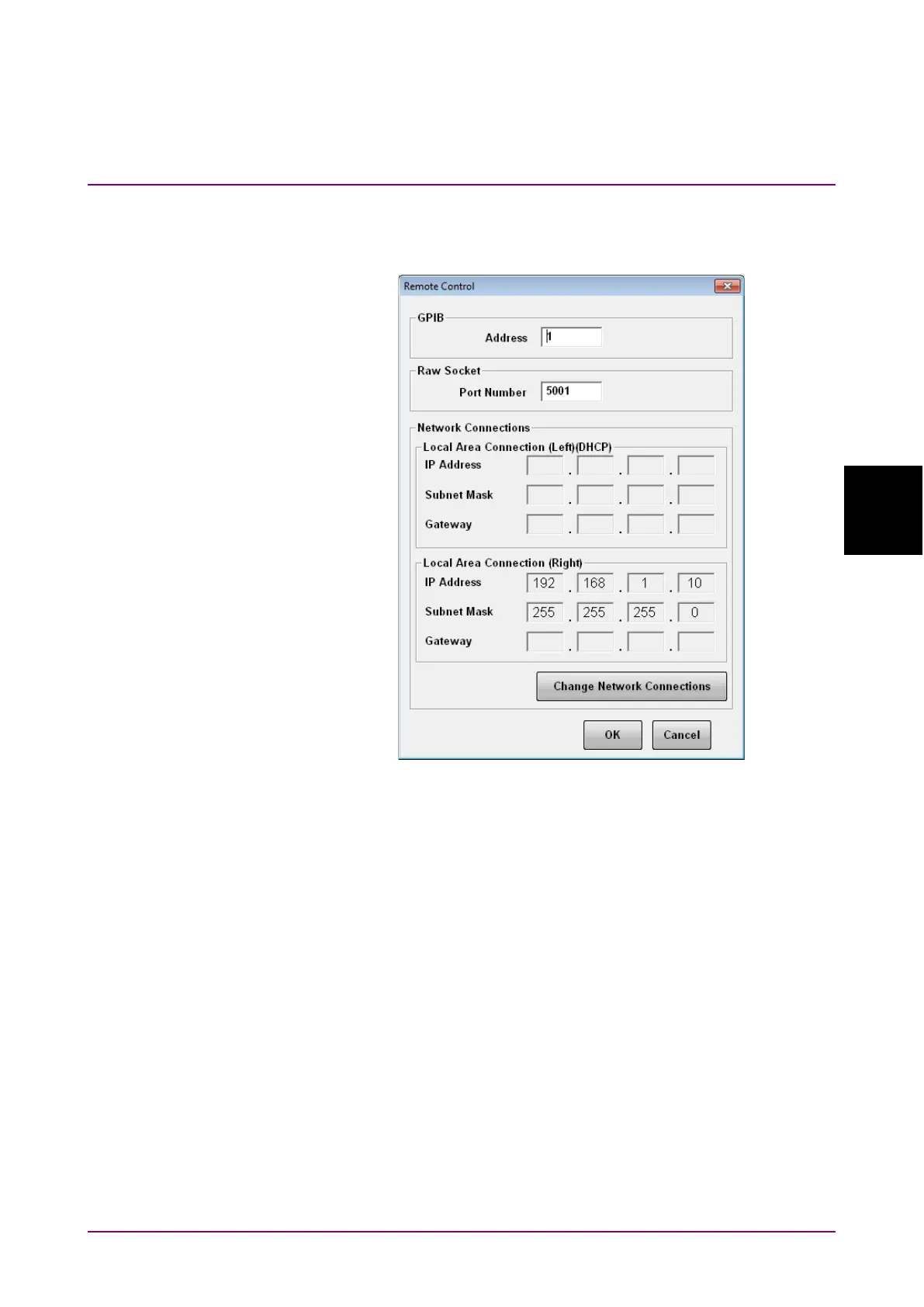
Clicking Remote Control displays the following dialog box.
Figure 4.3.10-1 Remote Control Dialog Box
To set GPIB
1. Click the GPIB Address text box. A dialog box for inputting the
address is displayed.
2. Enter the GPIB address in the range of 0 to 30.
3. To complete the setting, click
OK.
To cancel the setting, click Cancel.
To set Ethernet
1. Click the Port Number text box of Raw Socket. A dialog box for
inputting the port number is displayed.
2. Set the number in the following range:
Port Number: 1024 to 5001














 To Next Page