Chapter 8 Maintenance
8-10
8.6 Adding an Option License
<Procedure>
1. Download the latest software (MX210000A) and Release Notes from
Anritsu Web site and update the software. For adding an option
license, the software of version 6.01 or later is required.
https://www.anritsu.com/test-measurement/support/downloads?mode
l=MP2110A.
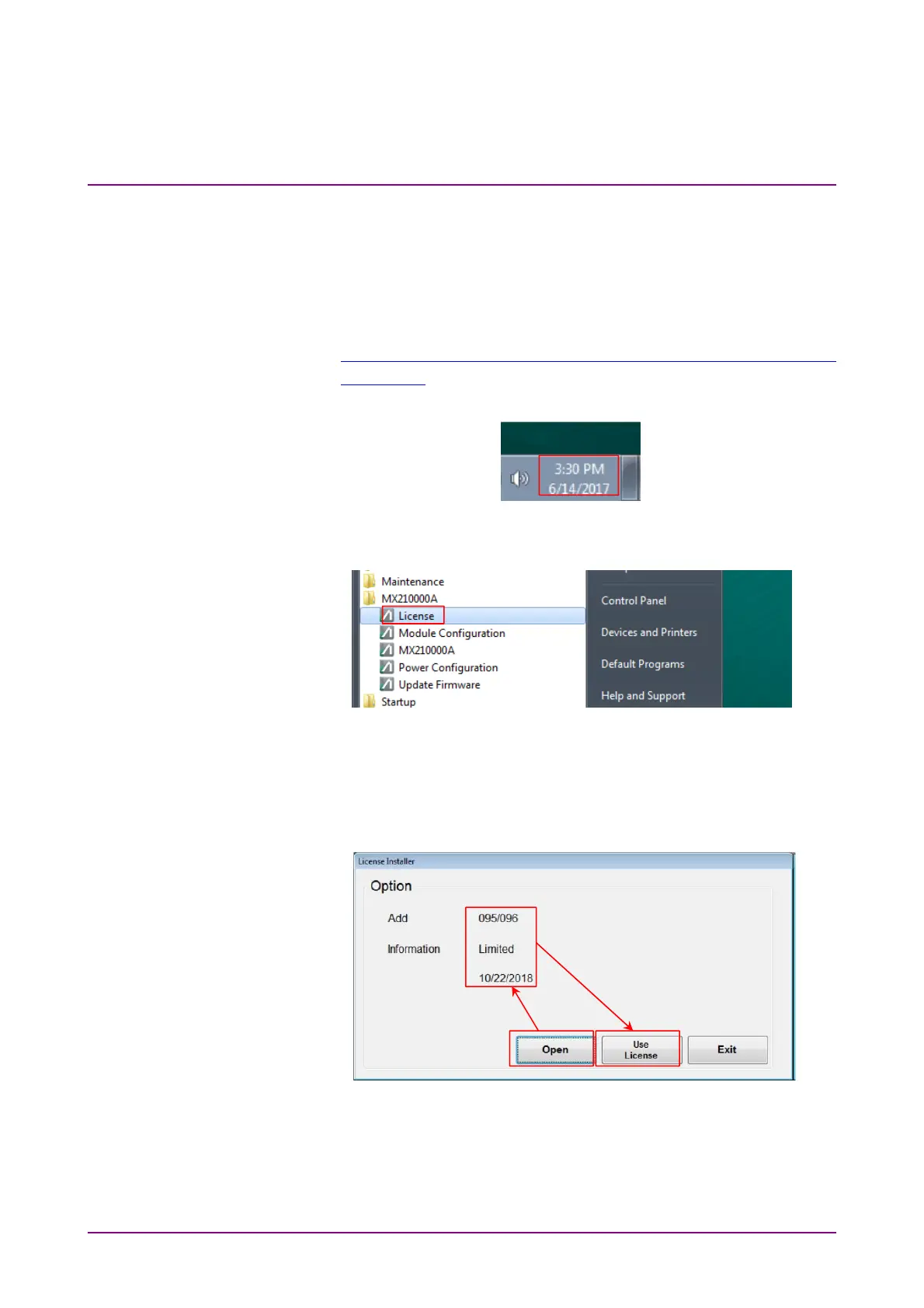
2. Check that the MP2110A Windows time is the current date and time.
3. Copy the license file (lservrc_xxxx) to the MP2110A desktop.
4. Click MX210000A - License in Start Menu.
5. Click Open on License Installer dialog box.
6. Select the license file and click OK. The license information to be
added is displayed.
7. Click Use License. Wait for a while and Completed dialog box is
displayed. Click OK.
8. Click Exit to close License Installer dialog box.
9. Double-click MX210000A on the Desktop to launch the application.














 To Next Page