Chapter 4 Screen Operation
4-20
4.5 Simultaneous Measurement Start and Stop at
Multi-channels
The MP2110A can measure error rates for up to four channels and sample
waveform data for up to four channels simultaneously.
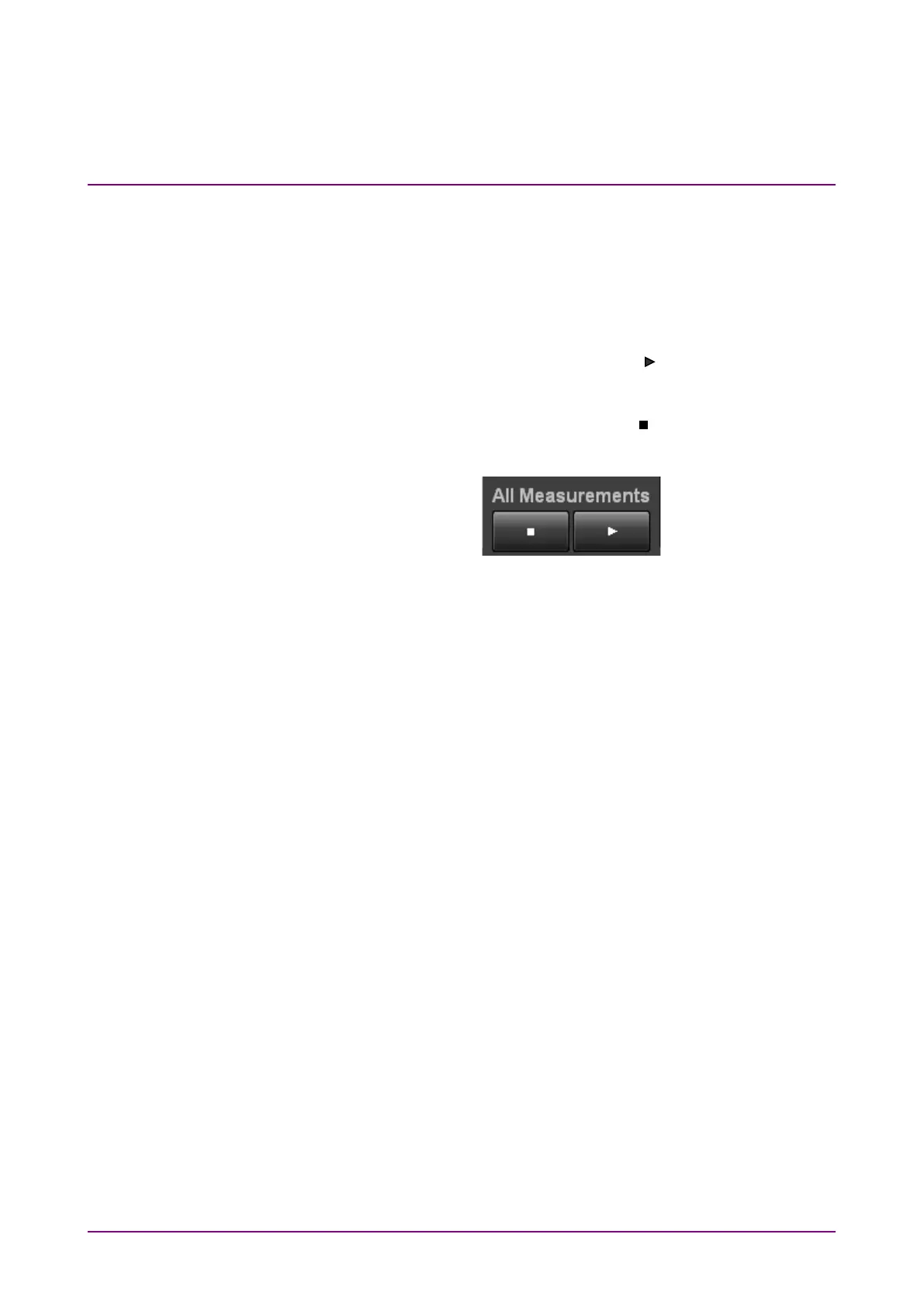
To start simultaneous measurement, click the key shown in Figure
4.5-1. The
Measure status indicator turns green.
To stop simultaneous measurement, click the key shown in Figure
4.5-1. The
Measure status indicator turns off.
Figure 4.5-1 All Measurements Button














 To Next Page