2.9 Setting Control Panel
2-29
2
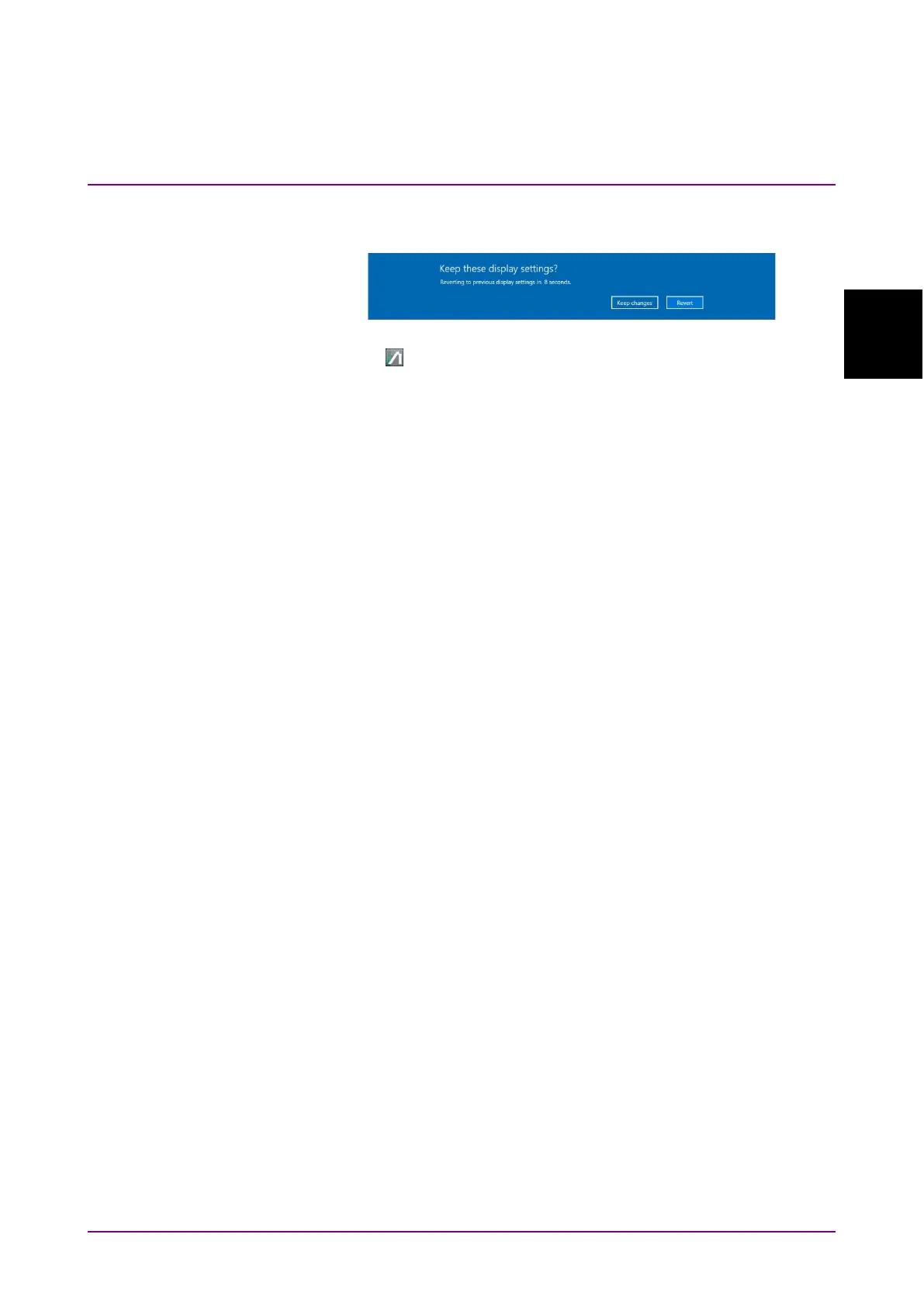
8. The dialog box confirming changes of the desktop appears.
Click Keep changes.
9. Click on the task bar.
10. When the external monitor resolution is set to 1280 × 800, click
System Menu - Dock/Undock to fix the application window at top left
of the screen (refer to 4.3.9 “Dock/Undock”).
Note:
Do not set the Control Panel - Display setting to anything other
than
100% (Recommended).














 To Next Page