2.11 Windows Security Measures
2-41
2
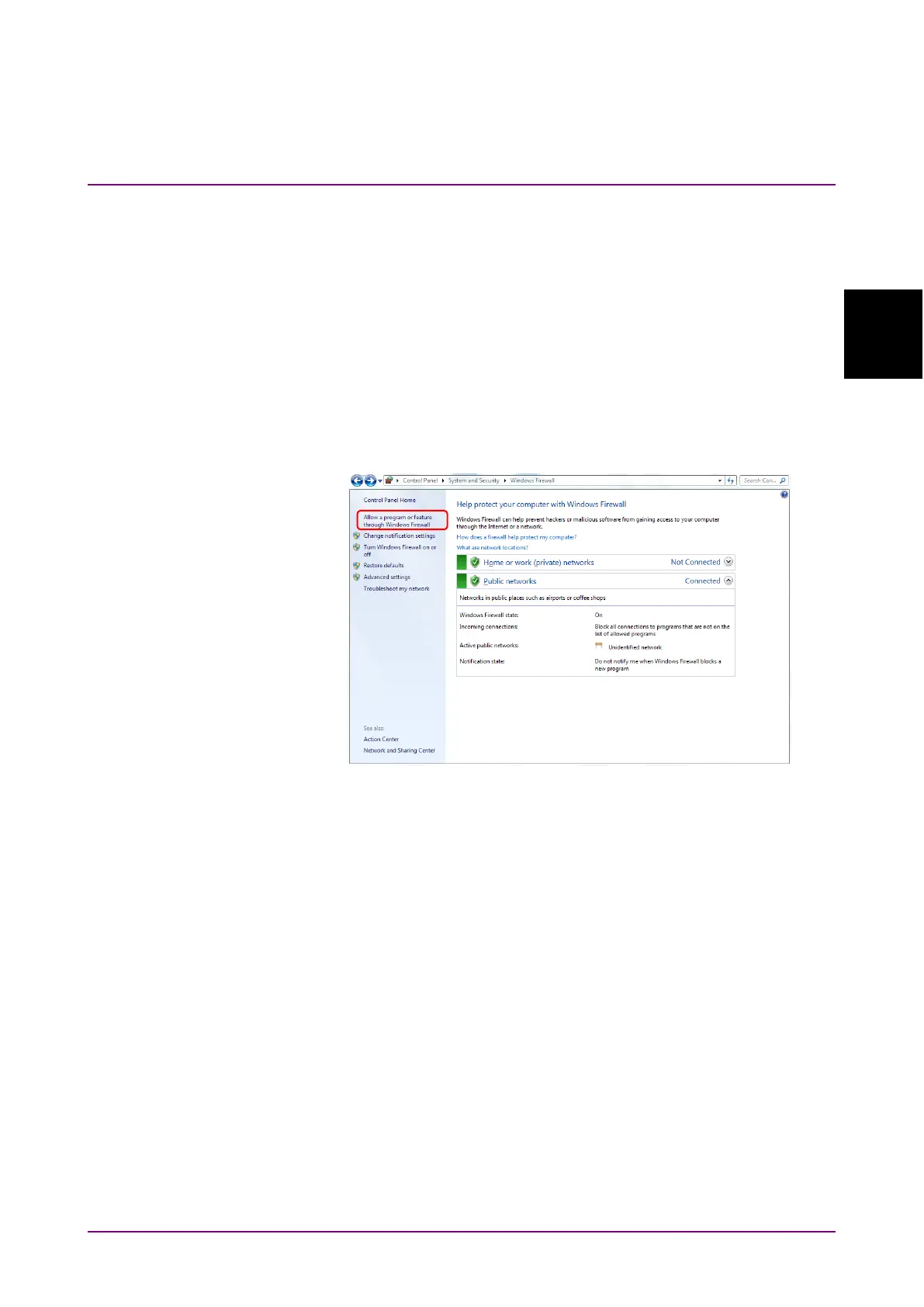
Confirmation and setting of allowed programs through Windows firewall
(WES7):
Even if Windows firewall is On, in order for this instrument to operate
properly, it is necessary to set as allowed programs those that enable
external communication from MP2110A.
Note:
Depending on when MP2110A was released, factory default setting
for allowed programs might not be set beforehand.
1. Click
Allow a program or feature through Windows Firewall found in
left side of Windows Firewall window.
Figure 2.11.1-3 Windows Firewall Window














 To Next Page