6.2 Explanation of Windows
6-17
6
How to Operate Sampling Scope
6.2.2.1 Display of Eye Measurement
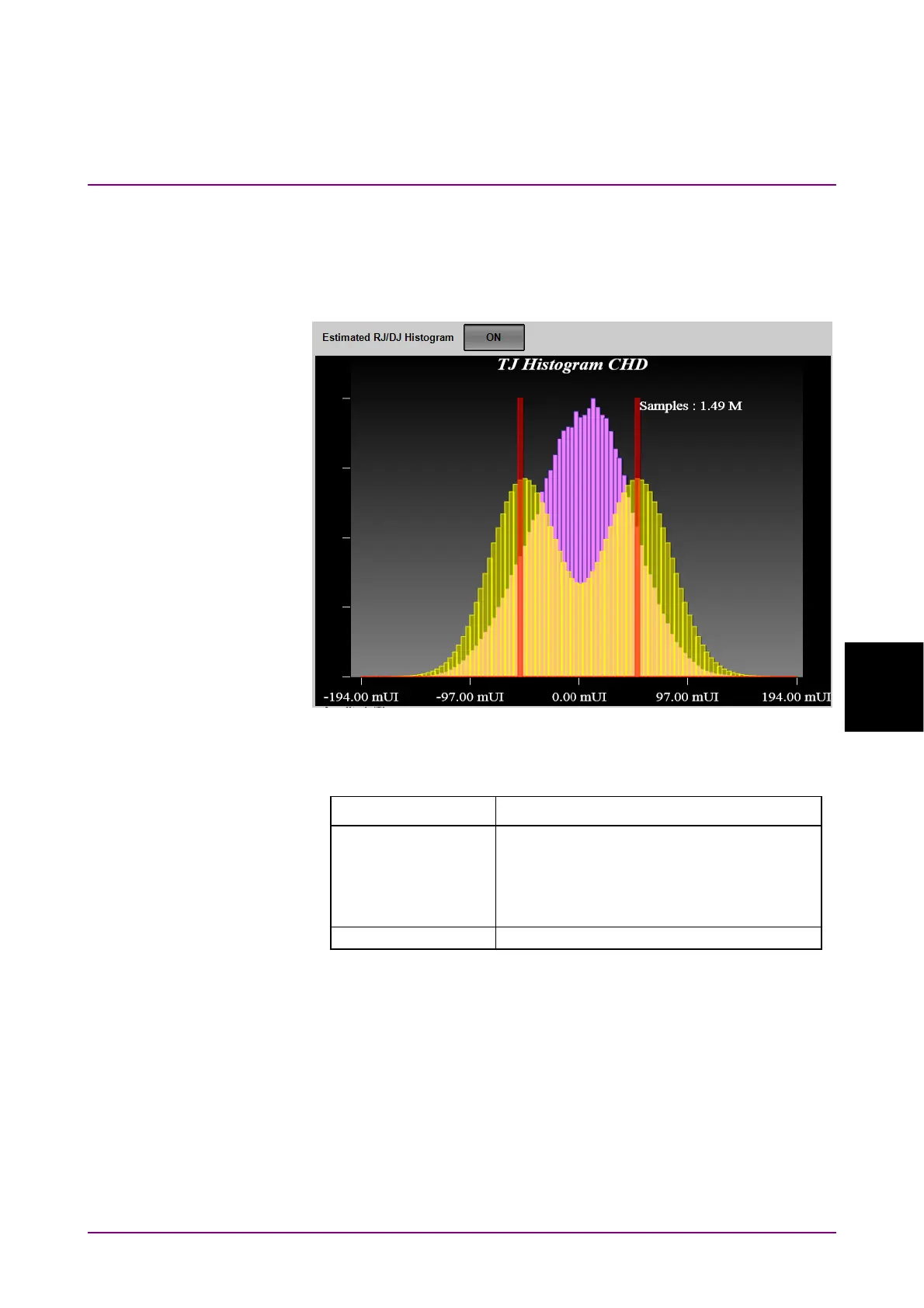
TJ Histogram
When clicking TJ Histogram, a graph selection button, the histogram of
the active channel is displayed.
Figure 6.2.2.1-1 TJ Histogram
Table 6.2.2.1-1 TJ Histogram Item
Name Description
Estimate RJ/DJ
Histogram
Appears when Sampling Mode is set to
Eye.
Switches the histogram display for RJ and
DJ estimated with dual dirac function.
DJ amplitude is displayed with red lines.
Samples The number of samples for the histogram














 To Next Page