6.2 Explanation of Windows
6-19
6
How to Operate Sampling Scope
6.2.2.2 Graphs of Jitter Analysis (Advanced Jitter)
For jitter analysis (Advanced Jitter), except for the DDJ Histogram graph,
the type of measurement edge (All, Fall or Rise) is displayed in the graph
name. The measurement edge type is set on the Algorithm tab of the
Jitter Measure dialog box.
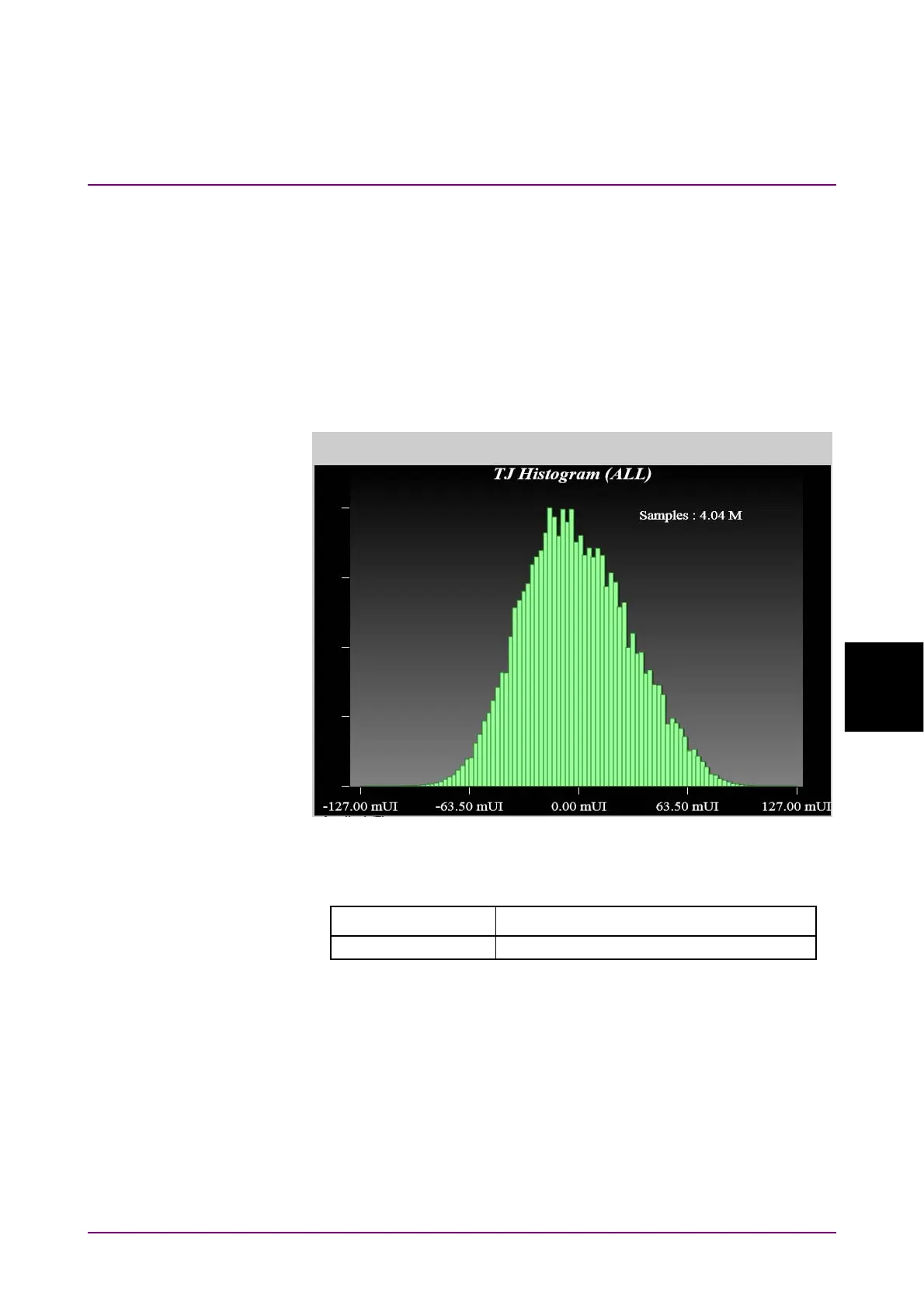
TJ Histogram
Click TJ Histogram on the Graph selection buttons to display TJ’s
histogram.
Figure 6.2.2.2-1 TJ Histogram
Table 6.2.2.2-1 TJ Histogram Item
Name Description
Samples The number of samples for the histogram














 To Next Page