6.3 Calibration and Adjustment
6-59
6
How to Operate Sampling Scope
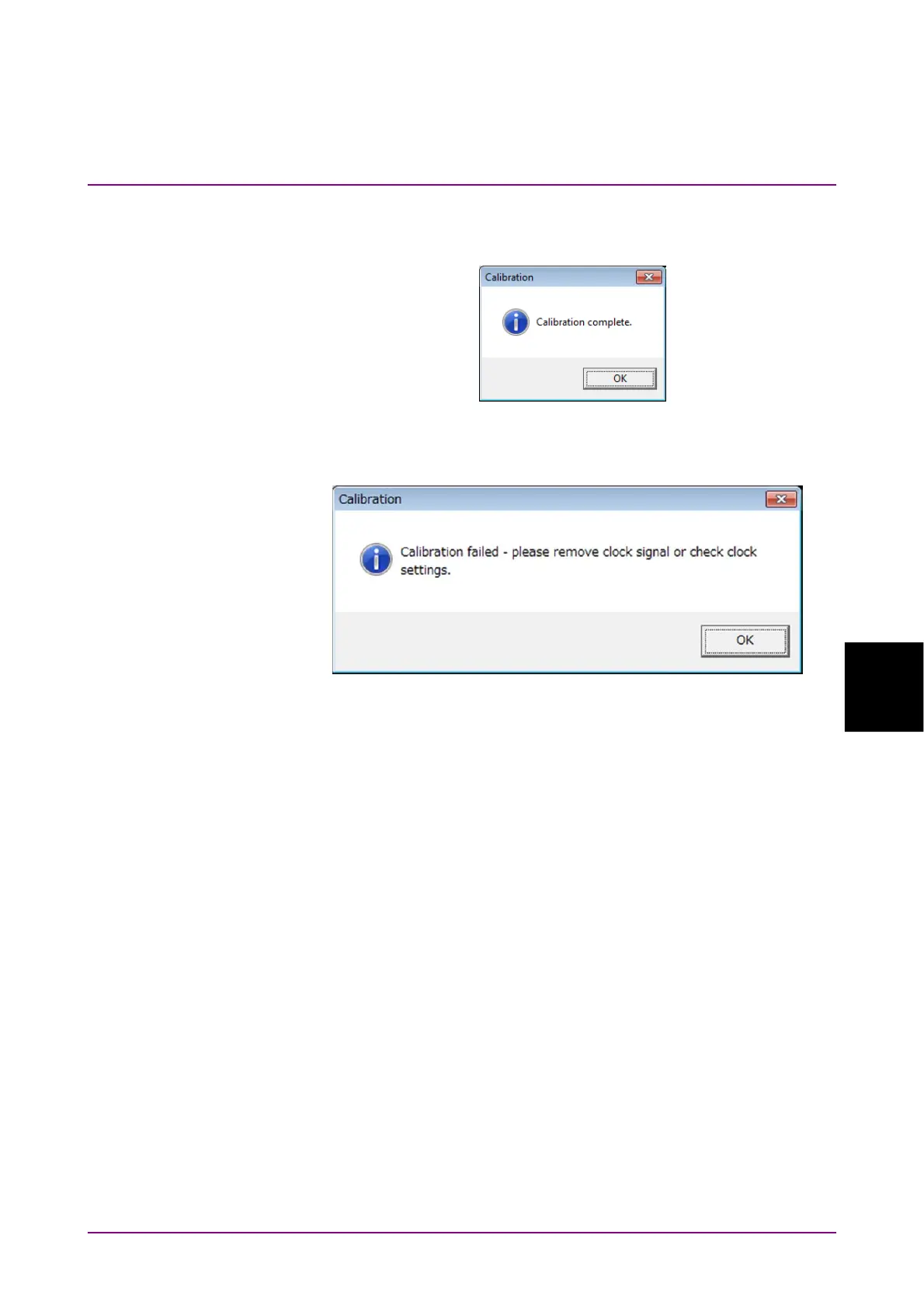
Upon completion of the calibration, a dialog box appears and gives you the
calibration result.
Figure 6.3.1-1 Calibration Result Display
(When Calibration Is Successful)
Figure 6.3.1-2 Calibration Result Display (When Calibration Fails)
If the calibration fails, follow the instruction that applies to your situation,
and then retry from step 2.
● Check that the coaxial cable is not connected to any of the
Ch A In
,
Ch
B In
,
Ch C
,
Ch D
, and
Trigger Clk In
connectors on the front panel.
● If it is required to keep the coaxial cables connected to the
Ch A In
,
Ch
B In
,
Ch C
,
Ch D
and
Trigger Clk In
connectors on the front panel,
check that the connectors do not receive any incoming signal.














 To Next Page