Chapter 6 How to Operate Sampling Scope
6-72
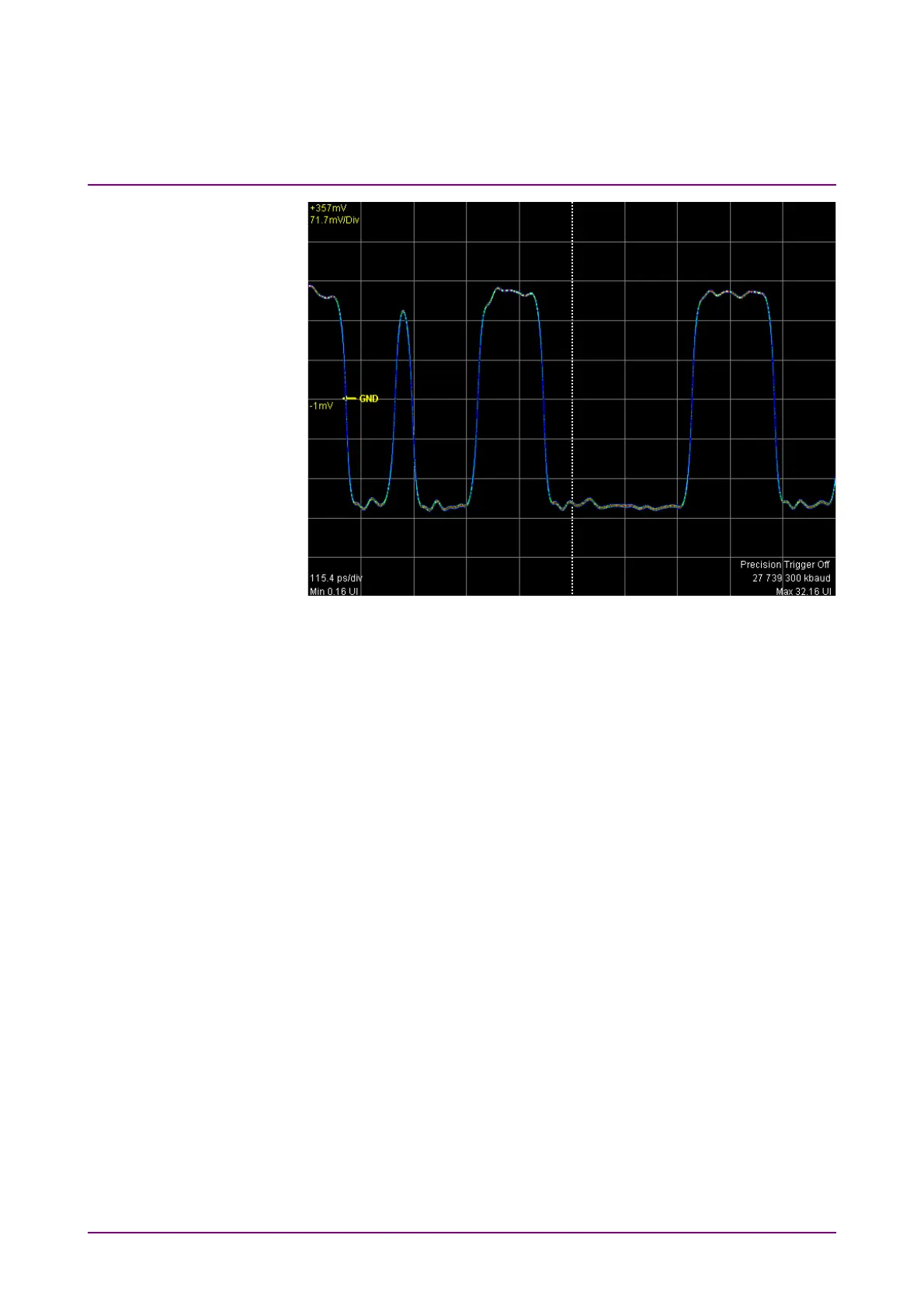
Figure 6.7-2 Pulse Mode Display Example
Setting overwritten waveform display
When setting the display method to Infinite, Limited or Persistency, the
acquired data is overwritten on the screen.
1. Click Setup to open the Setup dialog box.
2. Select the single waveform data collection count from the following
Number of Samples.
For Eye: 1350, 2048, 4050
For Pulse, Coherent Eye:
512, 1024, 2048, 4096, 8192, 16384
When Test Pattern is other than Variable in Coherent
Eye, Number of Samples is fixed to 16384.
When there is only a small amount of captured data, the screen
refresh time is short.
3. Click the Accumulation Type button, and set the items from the
following lists:
Infinite: Unlimited time to overwrite waveform
Limited: The waveform is overwritten at the set time until it
reaches the number of data or the numbers of
waveforms. Data collection stops at the set time or
when the data count is reached.
Persistency: Deletes overwritten data after fixed time elapsed.














 To Next Page