Chapter 6 How to Operate Sampling Scope
6-74
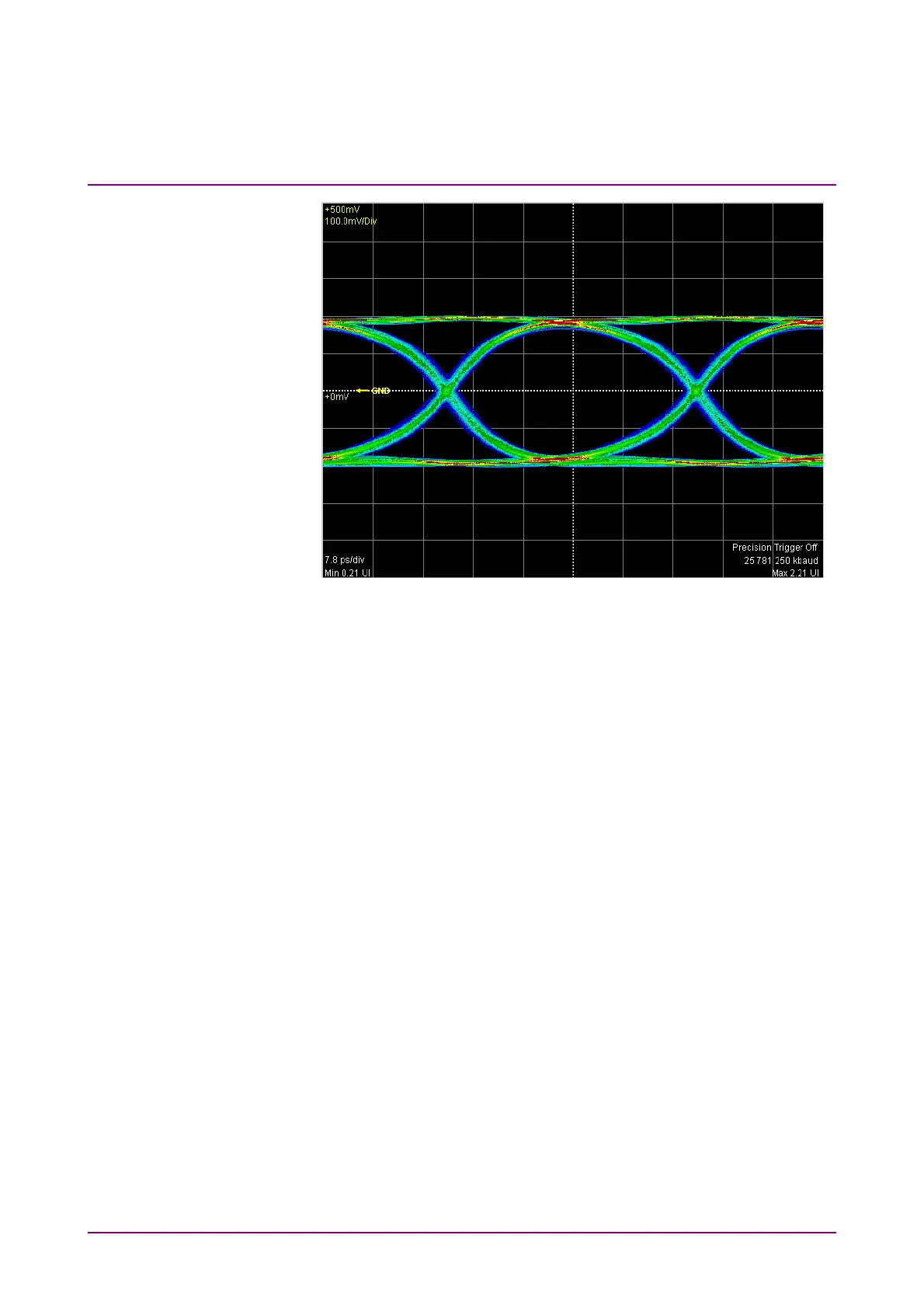
Figure 6.7-4 Accumulation Type Settings (Infinite)
Displaying averaging waveform
When setting the display method to Averaging at the pulse mode, the
averaging process is performed. Averaging process is used to suppress
waveform noise.
Note:
When Averaging is set, the precision trigger is disabled even when
Precision Trigger is set to On.
1. Click Setup to open the Setup dialog box.
2. Click the Accumulation Type button to select Averaging.
3. Click the Number of Samples button to select the number of data
displayed on the screen.
4. Click the Averaging text box to set the number of waveforms to
perform averaging.














 To Next Page