Chapter 8 Maintenance
8-4
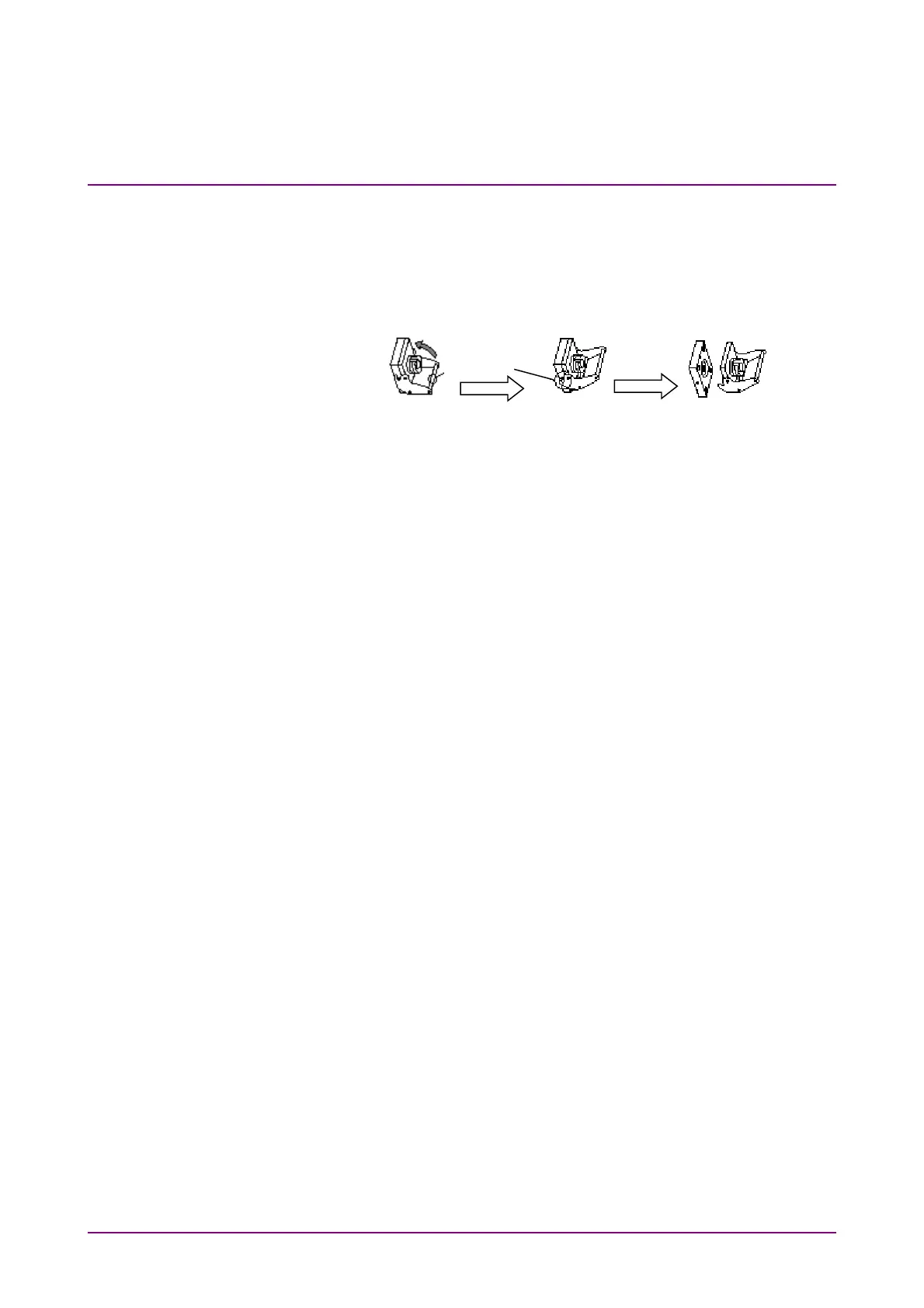
To remove the optical connector:
1. Open the cover.
2. Pull up the connector lever toward you.
3. Check that the latch has been released, and then, gently pull the
connector out straight toward you.
Figure 8.2-2 How to Remove the Optical Connector
Latch














 To Next Page