8.7 System Recovery Function
8-19
8
Maintenance
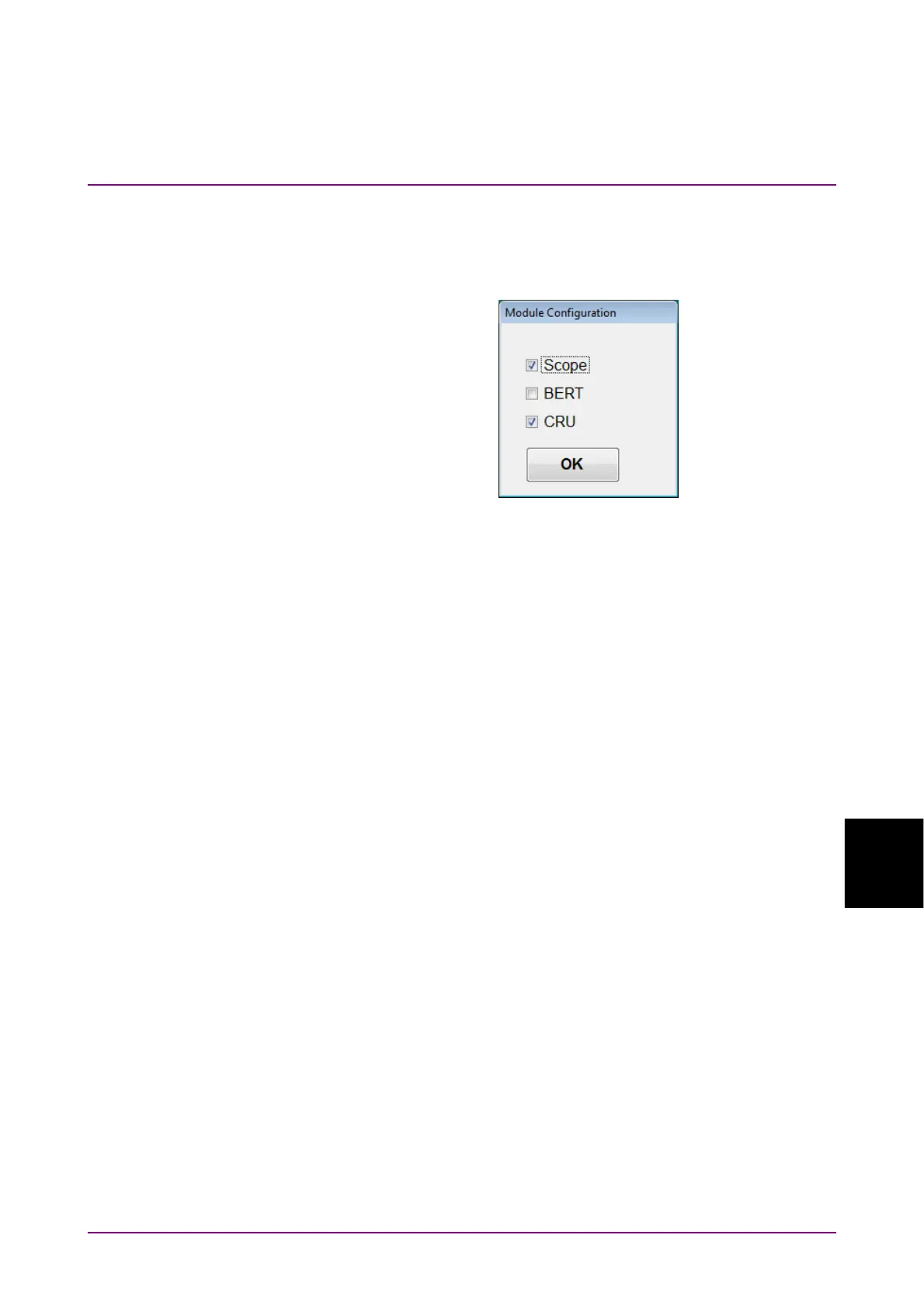
32. Install the BERTWave Control Software (MX210000A) in accordance
with the release note. The Module Configuration dialog box is
displayed after launching the installer. Select the modules installed
in MP2110A, and click OK.
The above dialog box is displayed by clicking MX210000A → Module
Configuration from the start menu of Windows. If the wrong module
is selected, display the Module Configuration dialog box and select
the module again.
33. Configure Windows Firewall exceptions. Refer to 2.11.1 “Activating
Firewall”.
Checking operation
Check the operation using the following procedure after recovering the
system.
1. Click All Programs →MX210000A → MX210000A from the start
menu of Windows.
2. Click System Menu – Remote Control. Check that Local Area
Connection (Left) and Local Area Connection (Right) are displayed in
the Remote Control dialog box (refer to Figure 4.3.10-1).
3. Click System Menu – Before Use. Check that the video of
countermeasure against static electricity is played back.














 To Next Page