©2015-2018 AUBO.All rights reserved.
Manually move mode can be used when manipulator moves undesirably.
Manually move mode can be used when auto move is not suitable. As shown in figure 11.7,
manipulator will hit working plane or barriers when moving from C to A under auto move. In this
case, manually move can be used to move to safe point (like B) firstly, then move to the initial
position A to avoid damaging robot or other equipment.
Compare the position of the simulation with the real manipulator and make sure that the
manipulator can perform safely without hitting any working platform barriers.
Procedure
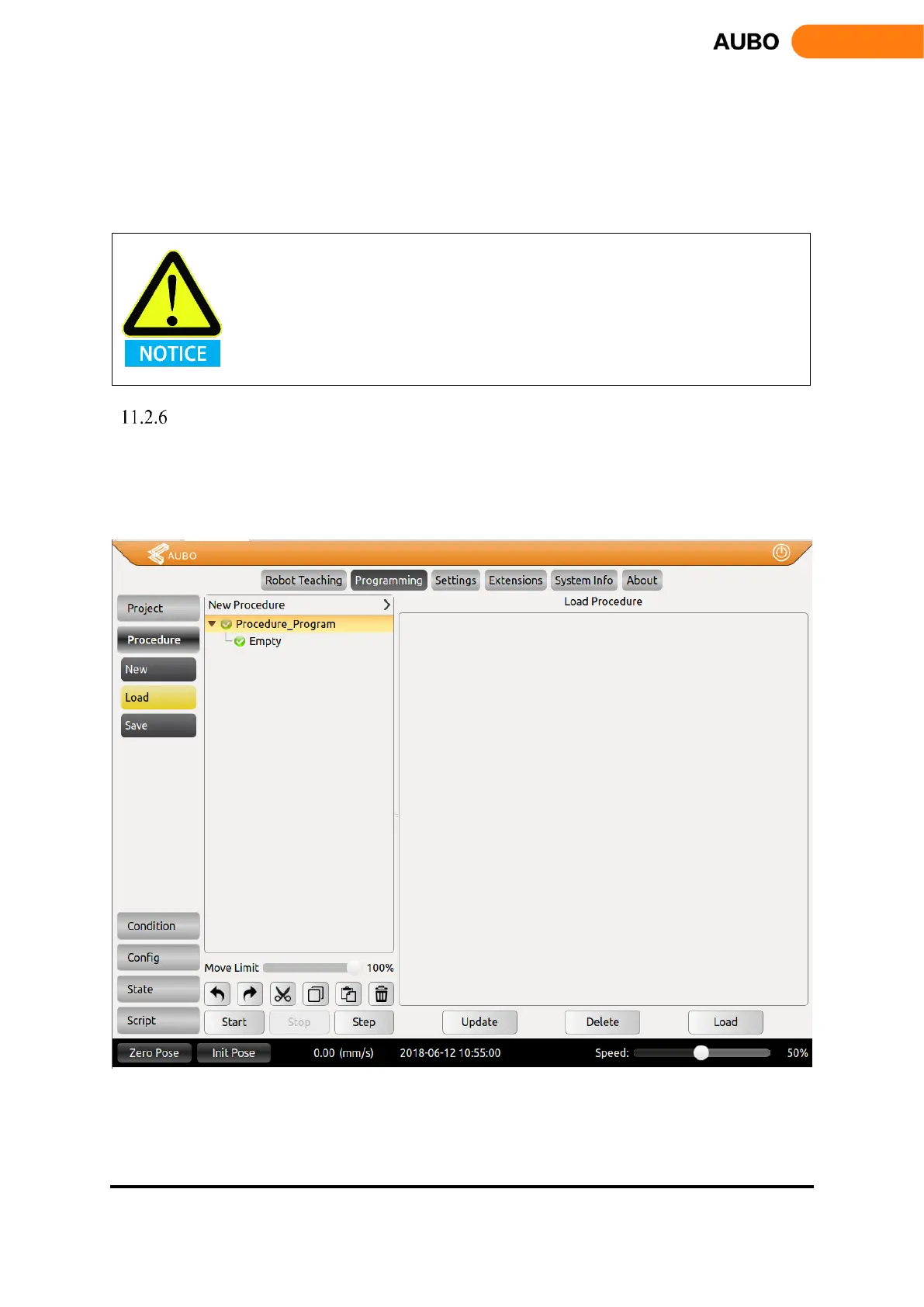
Procedure is a process project. You can edit the program section for multiplexing, and it is easy to
load into other project blocks.
New Project, Load Project, and Save Project method are the same as project section.
The established sub-project file can be applied to the Procedure command.
Figure 11.7 Procedure Project



 To Next Page