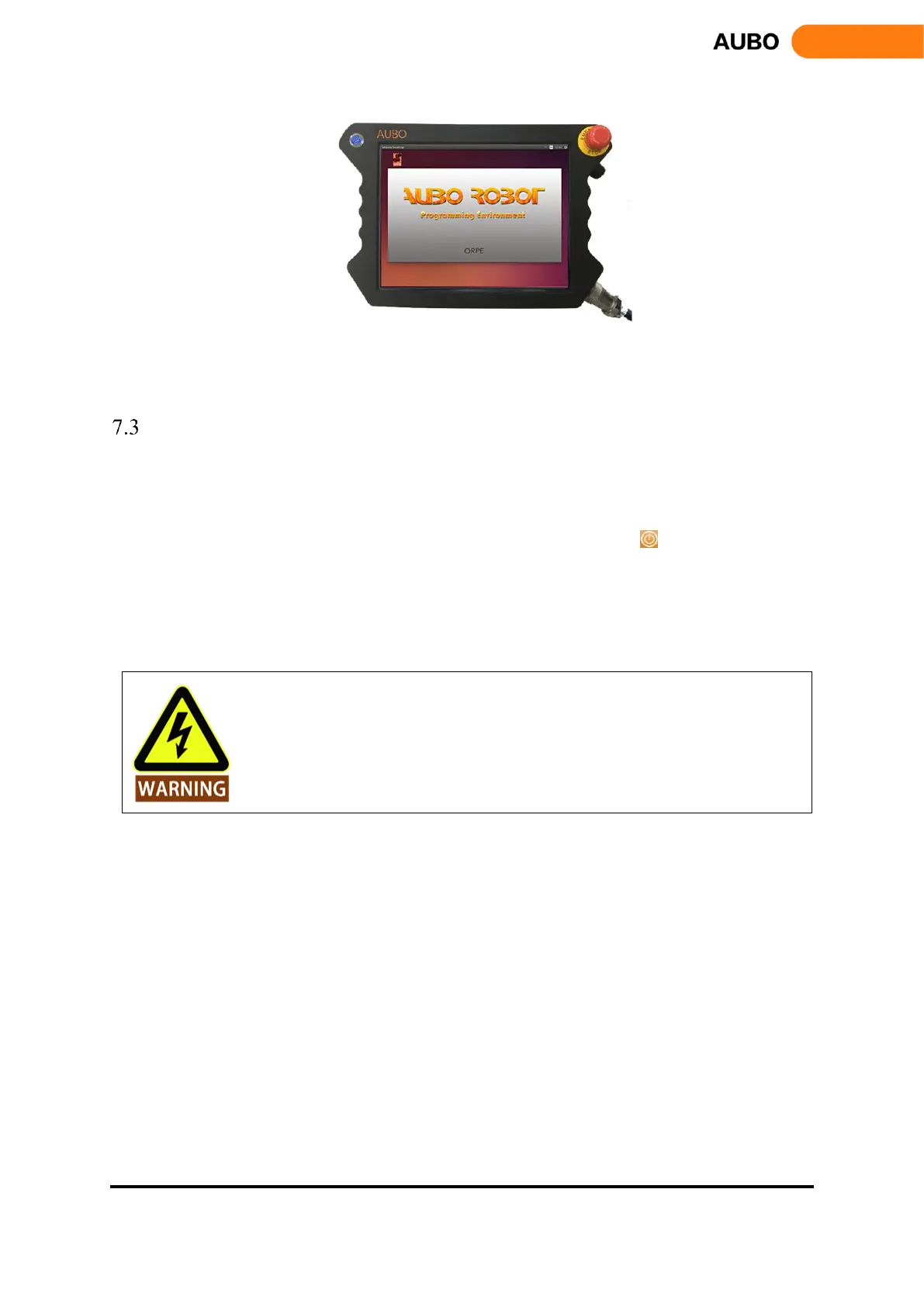
Figure 7.11 the start button and LED indicator
Power off the manipulator
Power off order: First, power off the robot and the teach pendant, then power off the control box.
a) Power off the manipulator and the teach pendant.
Normal exit: click the shutdown button on the upper right of the screen .
Mandatory shutdown: press and hold the startup button on the upper left of the teach pendant for
about 5s to turn off the blue light, then the teach pendant and the manipulator will power off.
b) Power off the control box.
Turn the power switch of the control box to OFF position.
1. Unplugging the power cord directly from the wall outlet to show down the system
may result in damage to the robotic file system, which may result in robot
malfunction.2. Ensure to unplug the power cord after power off the whole robot system!



 To Next Page