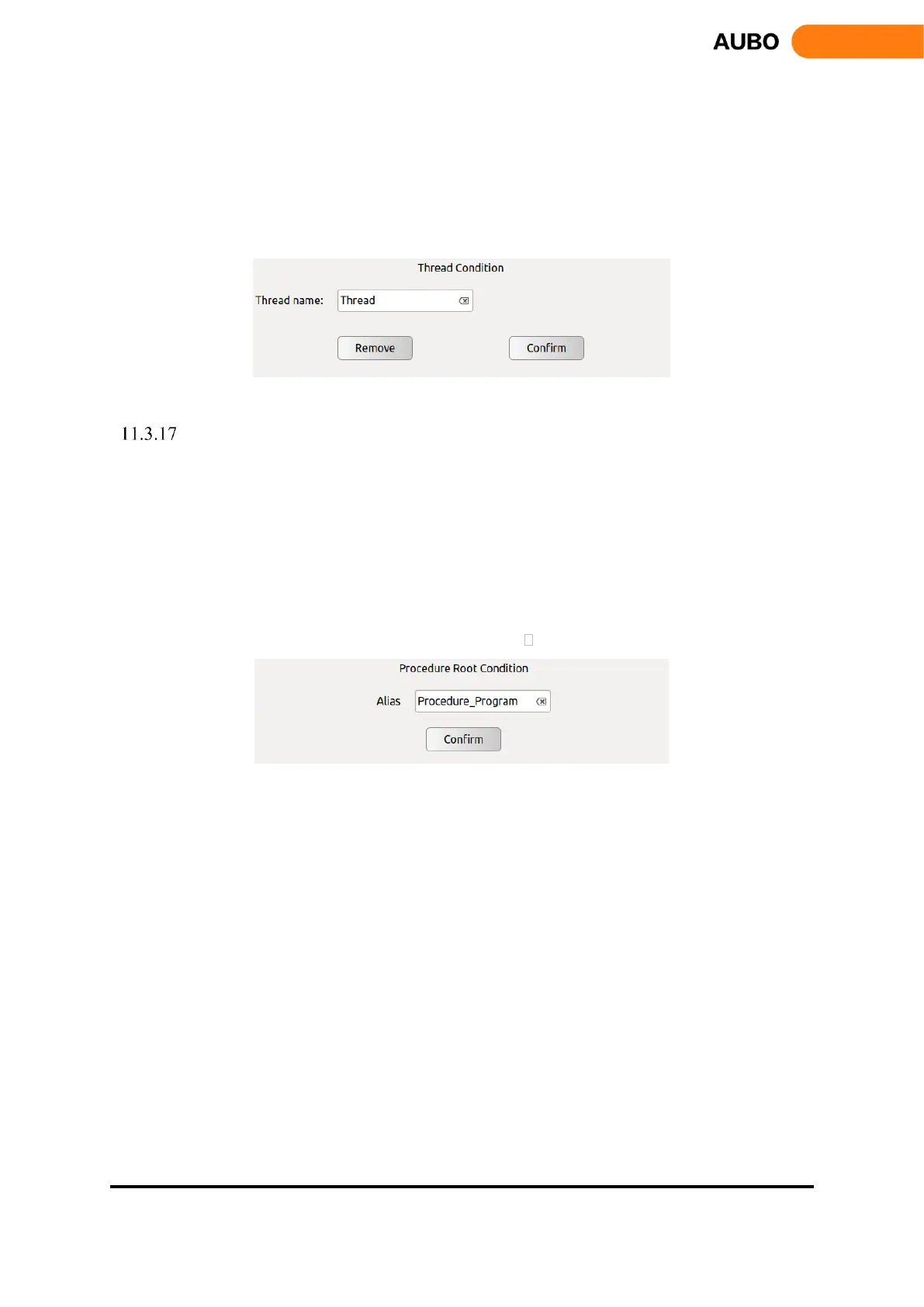
In the loop, user can achieve the parallel control with the main program.
Note: It is recommended to avoid the use of multi-threaded. If you must use multiple threads, be
aware of the parallel logic and timing of the main and auxiliary threads.
Click【Alias】input box on the right to modify the command name.
Click【Remove】to delete the selected Thread.
Click 【Confirm】 to confirm the configurations and save.
Figure 11.26 Thread
Procedure
Procedure is a process edit command. In the Procedure block, you can edit the block for
multiplexing and load it easily into other project blocks.
Note: Procedure cannot be inserted into the process of the Thread program.
Click【Alias】input box on the right to modify the command name.
Click【Update】as the file update button to retrieve the current file save directory and update the
display file changes.
Click【Remove】to delete the selected procedure.
Click【Confirm】to confirm the configurations and save.
Figure 11.27 Procedure



 To Next Page