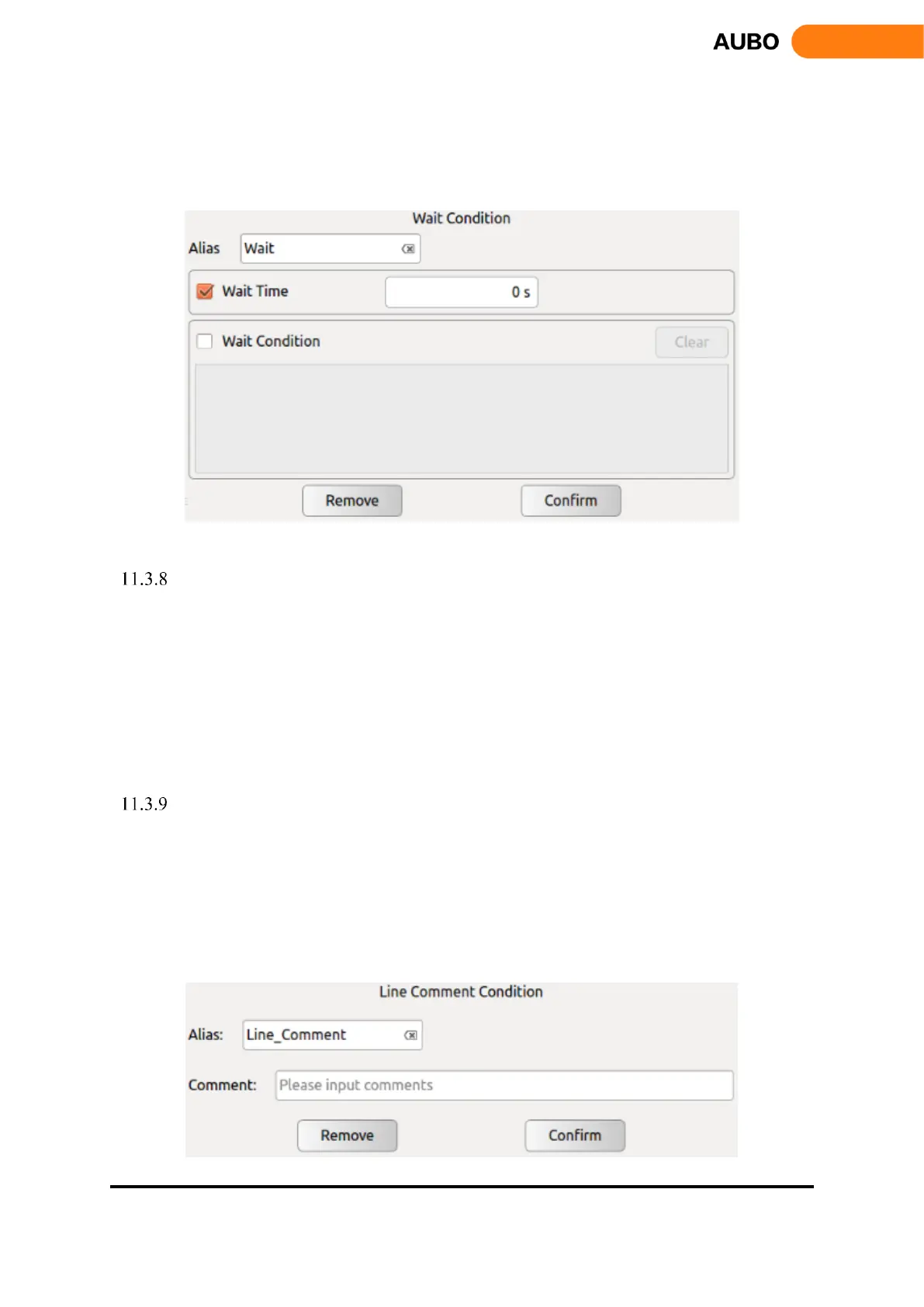
Choose【Wait Time】to set wait time by users.
Click【Wait Condition】to set wait mode by inputting expression.
Click【Confirm】to confirm and save the wait condition.
Click【Remove】to delete a wait command.
Figure 11.15 Wait
Timer
Timer is a command that can measure the time duration between nodes within the project
Clicking【Alias】to the right of the blank interface will pop up the input box. .You can modify the
command name.
Click【Remove】to delete the selected timer.
Click【Confirm】to confirm the configurations and save.
Line Comment
Line Comment is a command that explains the following program by line comment.
Clicking【Alias】to the right of the blank interface will pop up the input box. You can modify the
command name.
Click【Comment】to input text to explain the following block.
Click【Remove】to delete the selected Line Comment.
Click【Confirm】to confirm the configurations and save.



 To Next Page