Cable connection
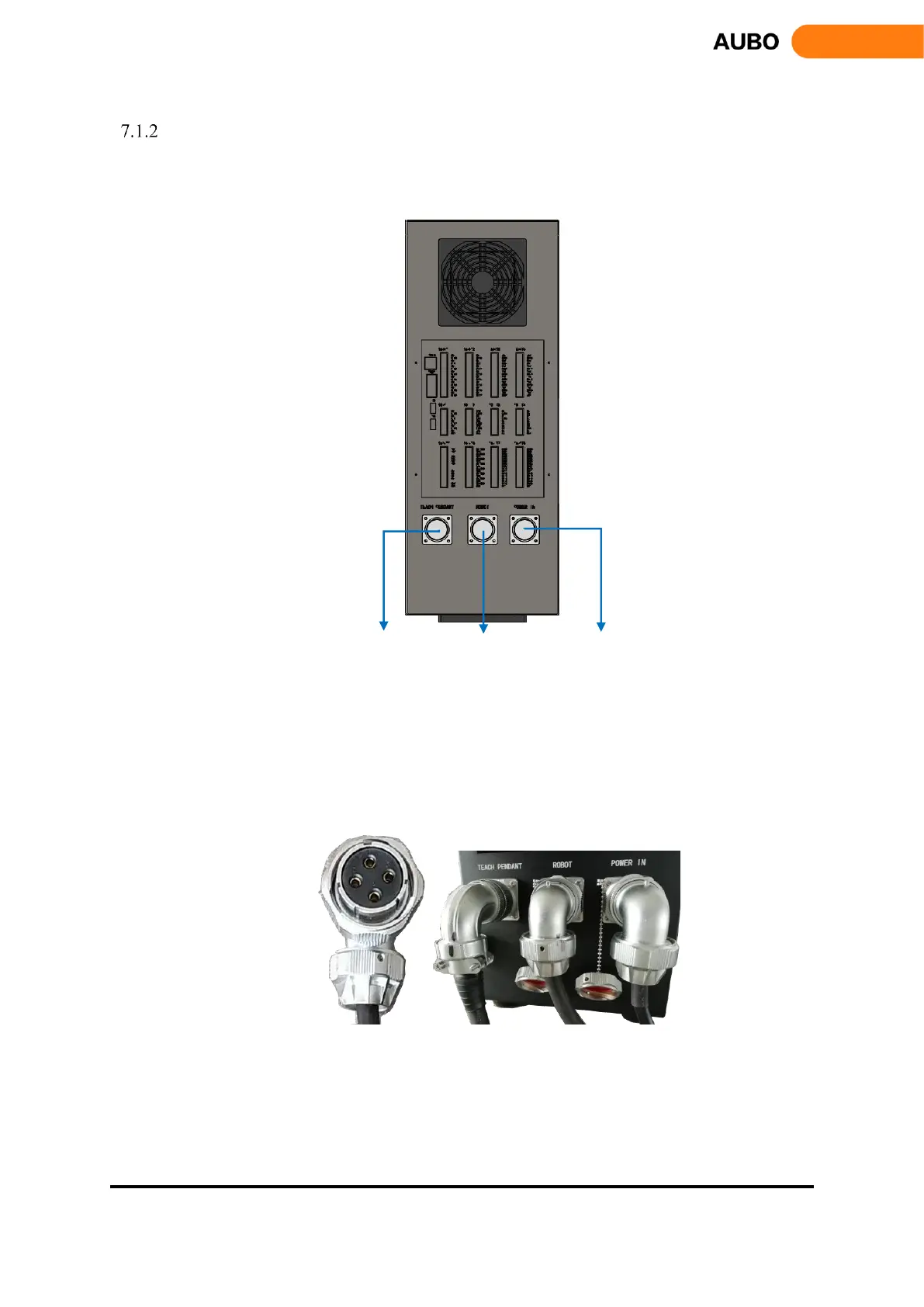
There are three sockets at the bottom of the control box. Place the corresponding cable into socket before
using the robot.
Connect to teach pendant Connect to robot Connect to external AC power supply
Figure 7.1 Figure 7.1 the bottom plugs of control box
a) Robot cable connects to control box
Take out the manipulator from packing box, there is a cable from robot base with an overloaded
rectangular connector on the other side. Plugging the connector into the control box’s connector, and
pay attention to the insert direction. After plugging in, lock the connector as shown below in figure
7.2.
Figure 7.2 Robot cable connects to control box



 To Next Page