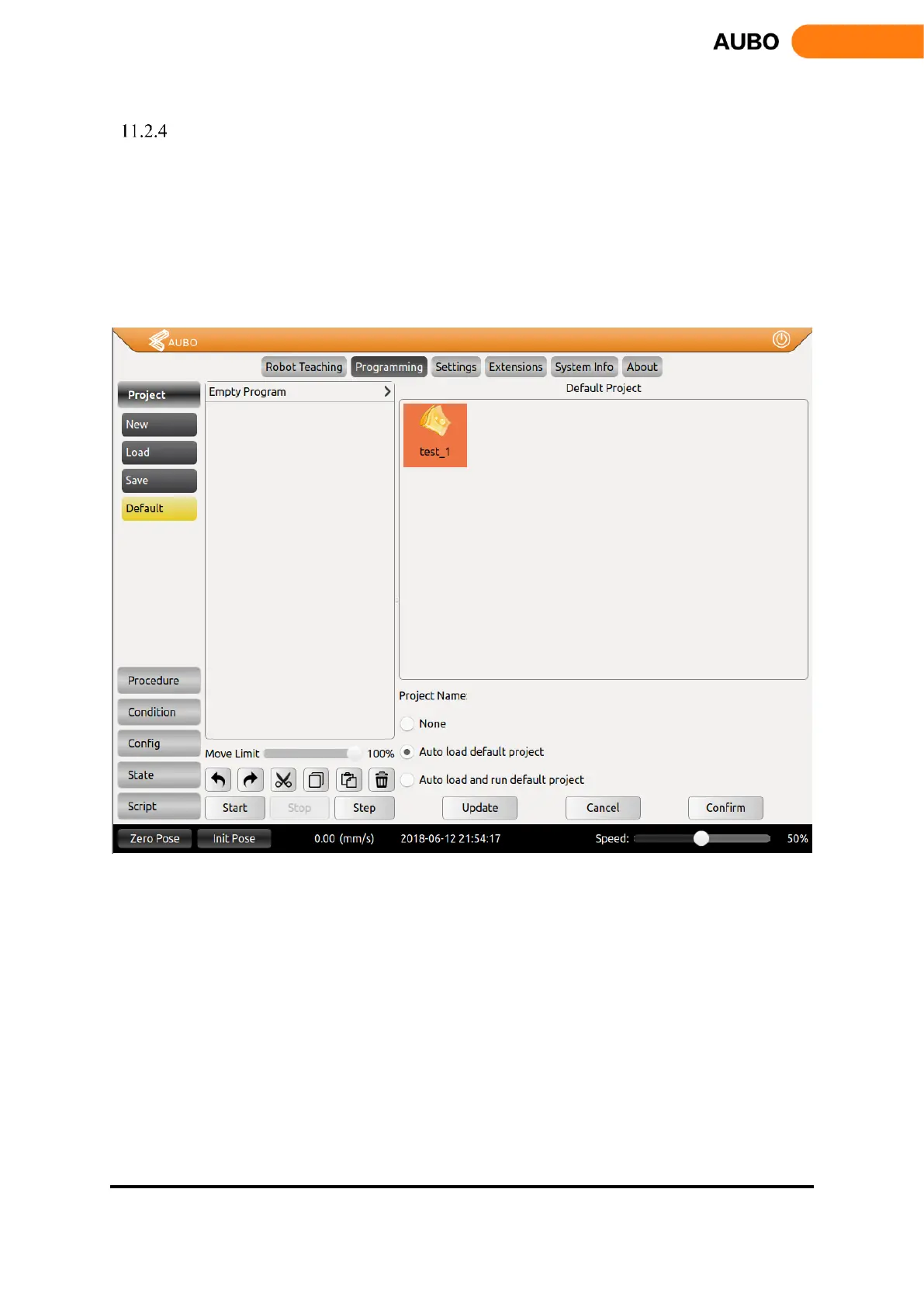
Default Project
Click【Default】to select the project to be operated in the default project file list and check different
options according to the requirements.
Click【auto load default project】to load the default project automatically after opening the
programming environment.
Click【auto load and run default project】to load and operate the default project automatically
after opening the programming environment.
Click【Confirm】button to confirm the default project configuration.
Figure 11.4 Default Project



 To Next Page