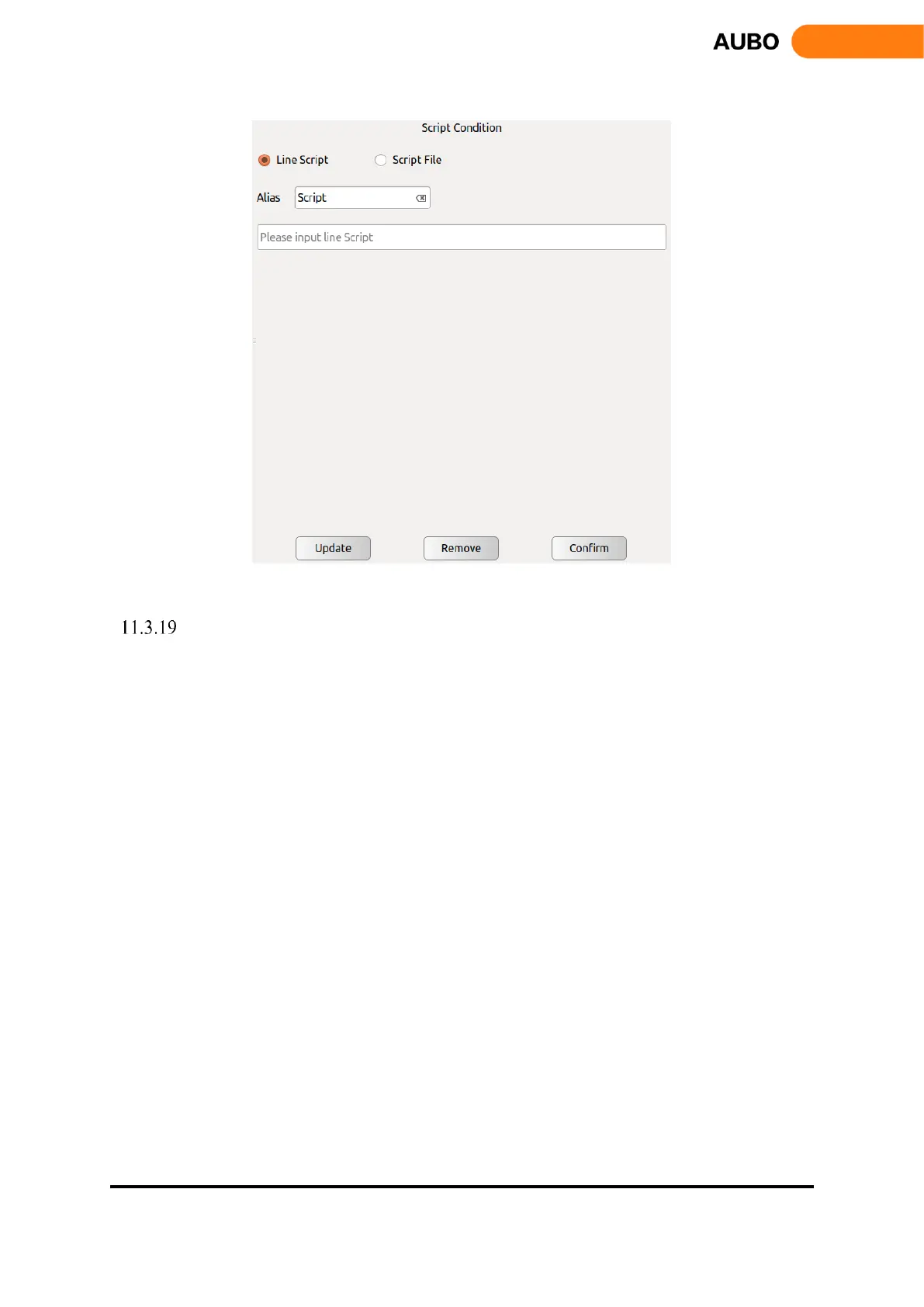
Figure 11.29 Script
Record Track
Record Track command is a track playback command. Select the track icon and click the
【confirm】button, the track record can be loaded into the engineering logic.
The input box on the lower side of the interface can set the speed and acceleration of each joint when
the robot moves to the preparation point. Please click 【confirm】 button after modification.
Click【Update】as the file update button to retrieve the current file save directory and update the
display file changes.
Click【Remove】to delete the selected Track_Record.



 To Next Page