©2015-2018 AUBO.All rights reserved.
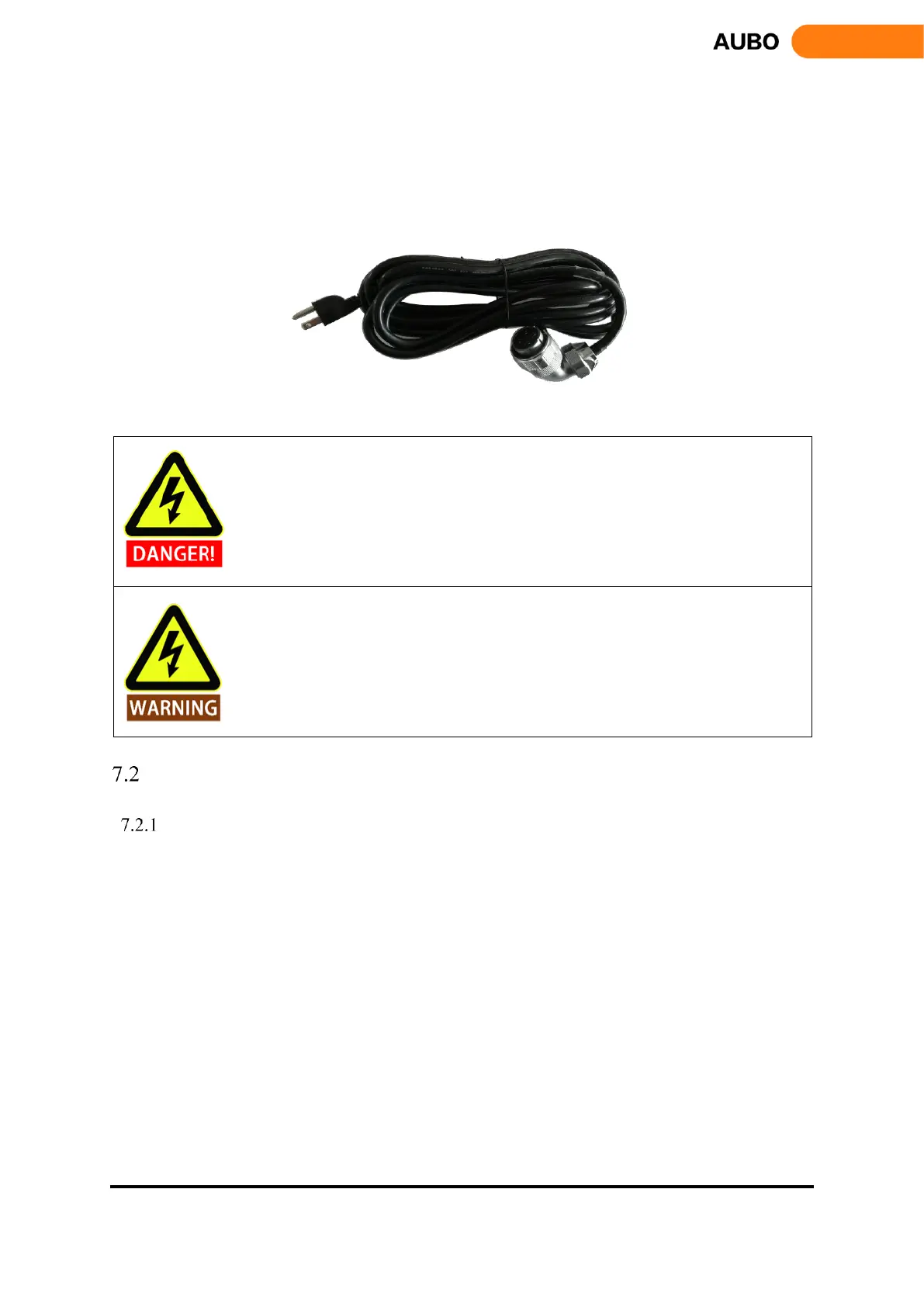
d) Power cable of Control box.
The control box cable has plugs on two sides, as shown in figure.7.9 below. The method to connect
rectangular plug is similar as robot cable. Make sure the power switch in the control box is off when
connecting the power supply.
Figure 7.9 Power cable of control box
1. Make sure that the robot is grounded correctly (connecting to the earth). The grounding
conductor should have at least the rated current of the highest current in the system.
2. Make sure that all cables are connected correctly before the controller box is powered.
Always use an original and correct power cord.
1. Do not disconnect the cable when manipulator is turned on.
2. Do not extend or modify the original power cable.
Power on the manipulator
Preparation
• Check the connection of the manipulator and the control box.
• Check the connection of the teach pendant and the control box.
• Check the connection of the power cable and the control box.
• Check whether the power switch of the control box is shutdown when robot is unpowered.
• Check whether the emergency stop button on the control box and the teach pendant is pop-up.
• Check whether the mode switch key is in right position.
• Ensure the robot never hit any personnel or equipment.



 To Next Page