9. TEACH PENDANT
The teach pendant is an important component of AUBO-i5 robot. Users can acquire information of the
robot through the teach pendant, User also can control the manipulator to move and perform simple
programming through the teach pendant.
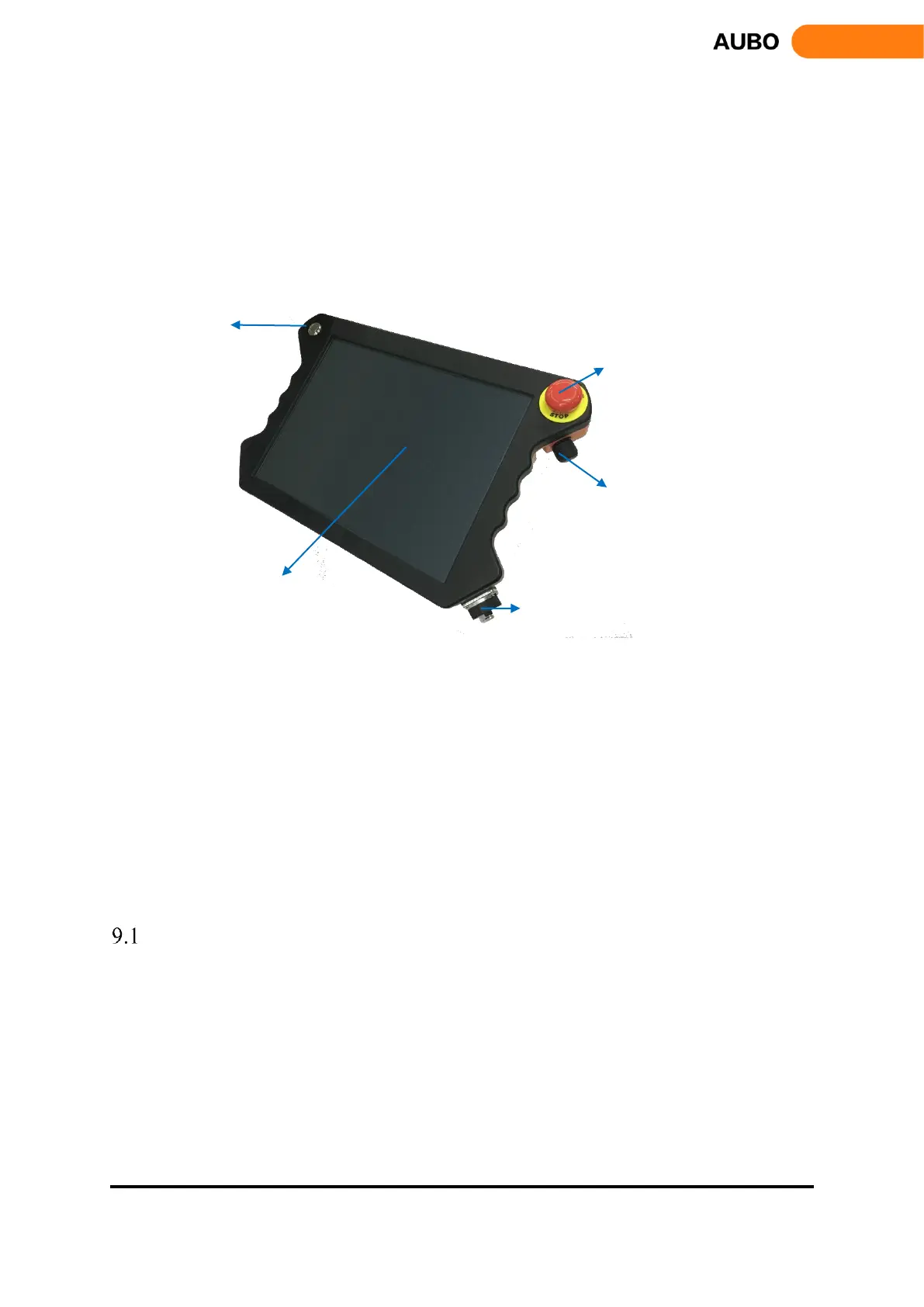
Figure 9.1 Overview of the teach pendant
The teach pendant mainly includes: a 12.1 inches LCD touchscreen, a power switch, an emergency stop
button, a force control button and a teach pendant connector cable socket. The LCD touch screen can show
the detail of robot motion and pose parameters clearly. All the operations can be completed by clicking on
the screen directly for users’ convenience. Moreover, the design of the teach pendant is aesthetic and
ergonomic. A nylon rope at the back of the teach pendant is used to hold it in one hand.
Force control button is a three-position enabling device which have OFF⇒ ON ⇒ OFF three states, when
the button is at the center position, user can use the hand-guiding function for teach mode.
This chapter mainly focuses on brief introduction of teach pendant.
Turn on the Teach Pendant
Press the power button on the upper left for about 1s until a blue light is on, which indicates the teach pendant
is powered up.



 To Next Page