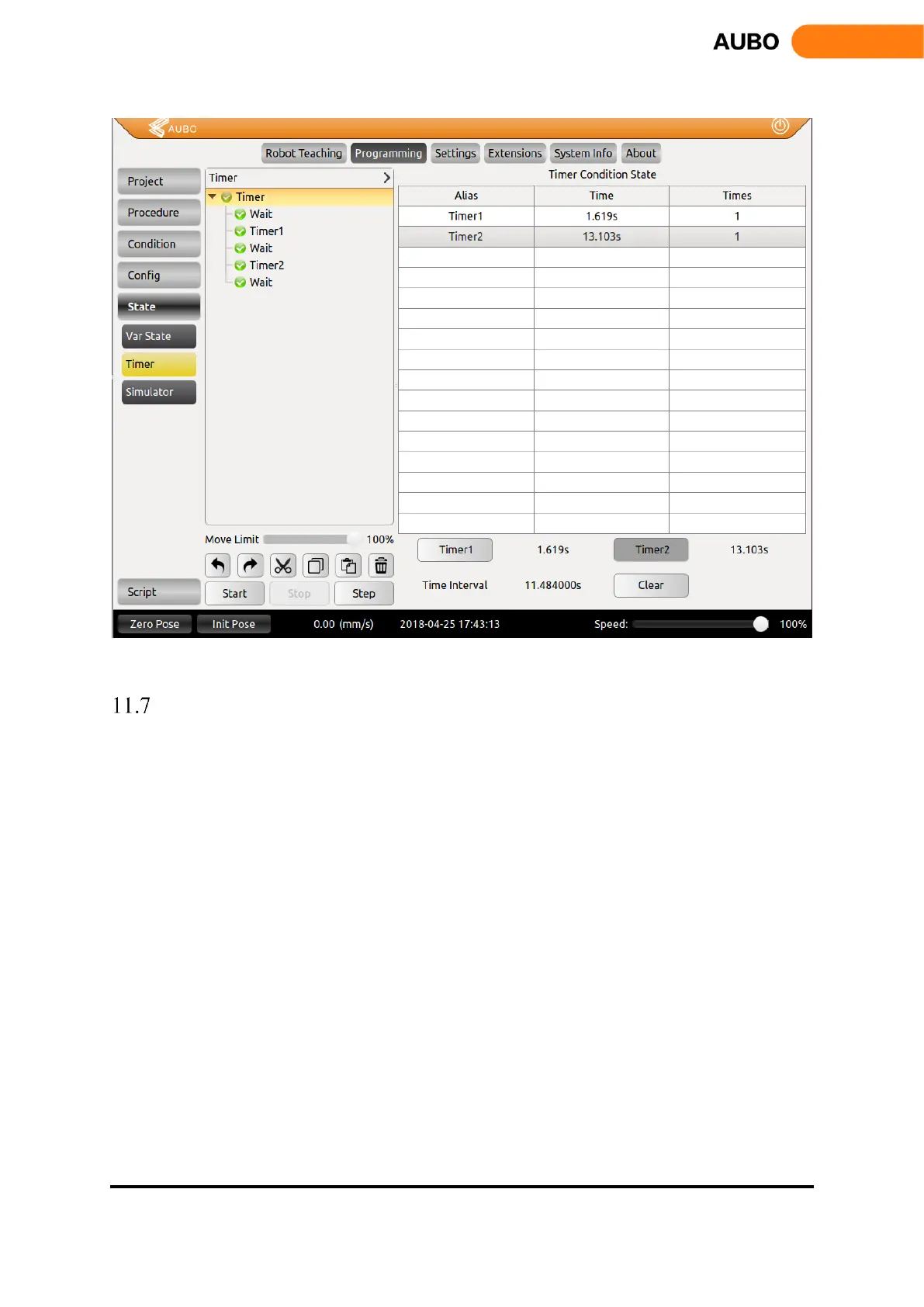
Figure 11.36 Timer
Simulation model
The simulation model is a function under Programming. It displays two parts, the upper part is robot 3D
simulation, and the lower part displays robot movement parameters. Users can only pause and stop the robot,
and also view robot’s log information.
Robot 3D simulation would be sync with the real robot in real-time, and movement parameters is displayed
under the 3D model, including the position parameter XYZ and the rotate parameters: RX RY RZ.
Users can check "Show track" and see the end of the track in the simulation window. Users can also set the
Track duration to specify the track display time.



 To Next Page