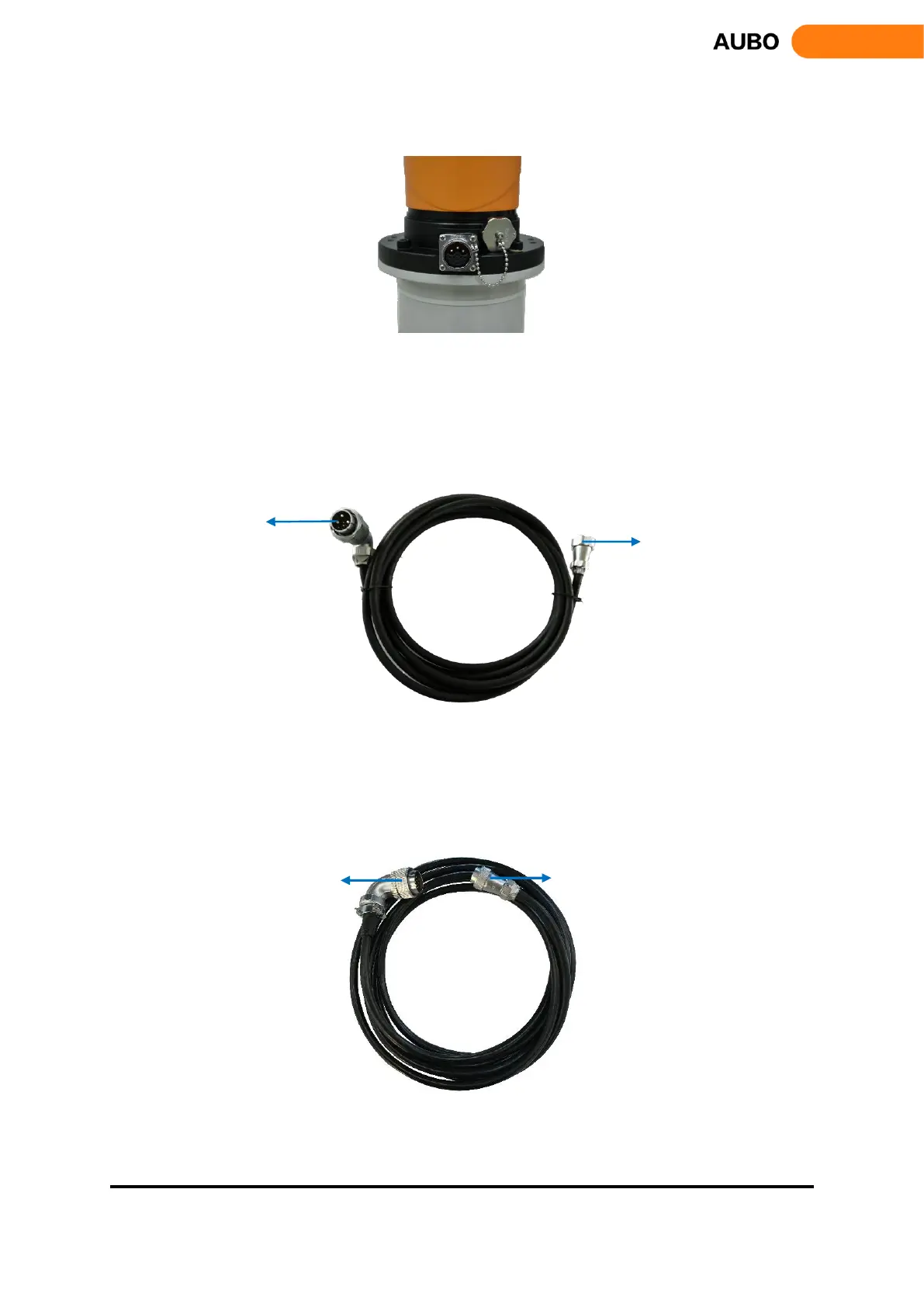
b) Robot cable connects to Manipulator
Figure 7.3 Manipulator Interface
Before connecting the robot cable to the manipulator, remove the dust cap on the manipulator interface from
the socket first. Align the pin of the plug and socket with the jack individually, ensure the gap on the socket
and the protrusion on the plug is aligned, then insert the plug into the socket. Rotate the fastening nut on the
plug clockwise until you hear a ‘click’, which means that the connection is successful.
Figure 7.4Manipulator Cable
c) Teach pendant connection
The cable of teach pendant has plugs on both sides, as shown in figure 7.5.
Figure 7.5 Teach pendant cable



 To Next Page