8 Parameter detail setup
56 © Copyright Reserved Autonics Co., Ltd.
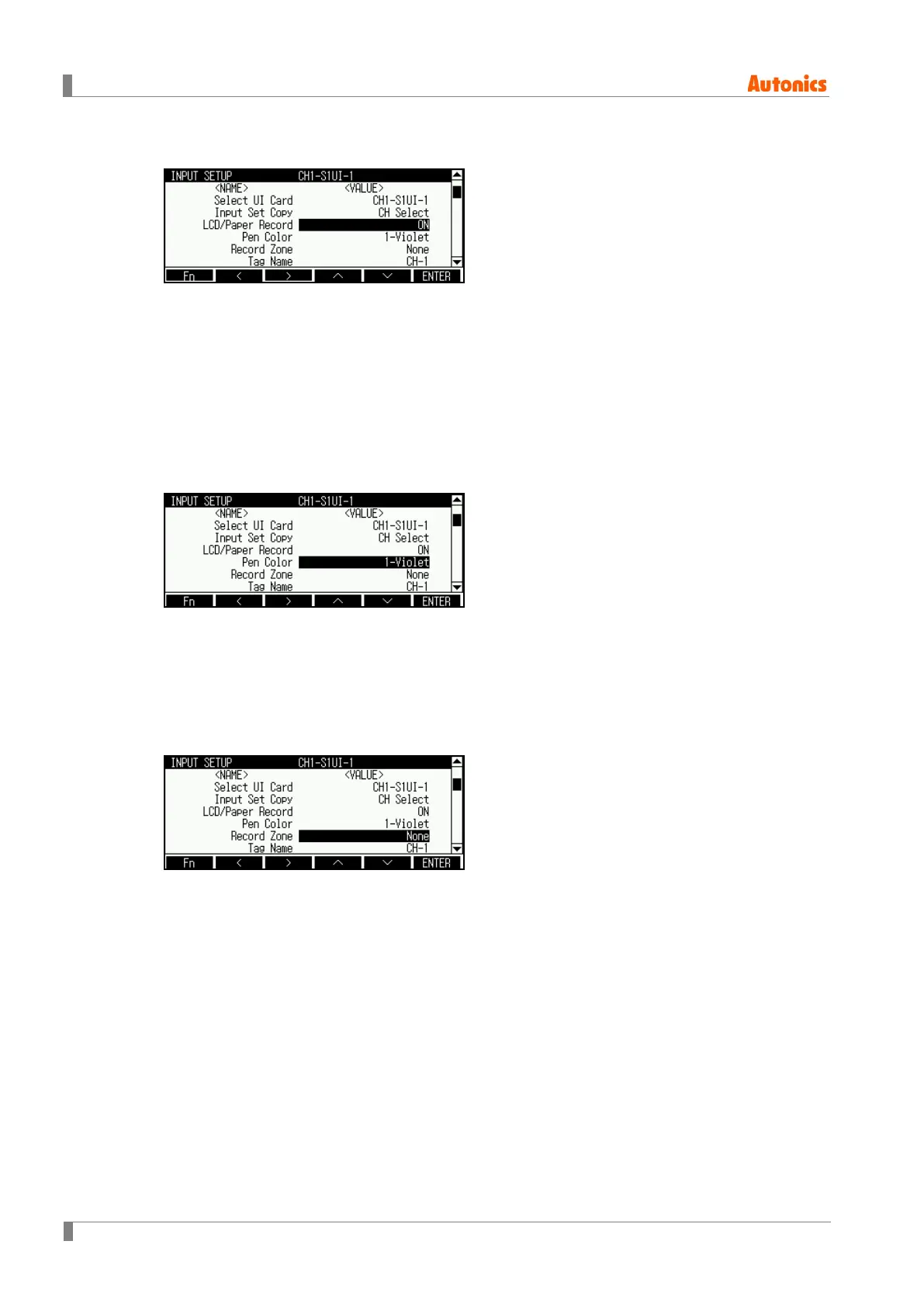
8.1.3 LCD/Paper Record (Display and record measuring value)
Set whether to record measuring value.
If you set ON, KRN100 displays and records measuring value on LCD screen, and recording
paper. If you set OFF, KRN100 does not display and record measuring value on LCD screen,
and recording paper.
Setting range: ON ↔ OFF
Factory default: ON
8.1.4 Pen Color (Record color)
Designate record color when recordingmeasuring value.
Setting range: 1-Violet ↔ 2-Red ↔ 3-Black ↔ 4-Green ↔ 5-Blue ↔ 6-Brown
Factory default: Automatically set
8.1.5 Record Zone (Record zone)
In case record mode is graph mode, you can select record zone for to graph measuring value
when recording.
Setting range is set accoridng to the set value of ‘8.5.6 Divide Zone (Record zone division)’ from
RECORD SETUP .
If the set is ‘None’, record zone is full width(100mm) of recording paper.
Setting range: None, 1 ↔ Zone n (n: set value of Divide Zone (Record zone division))
Factory default: None



 To Next Page
 Loading...