167
7 Remote Access via Web Client
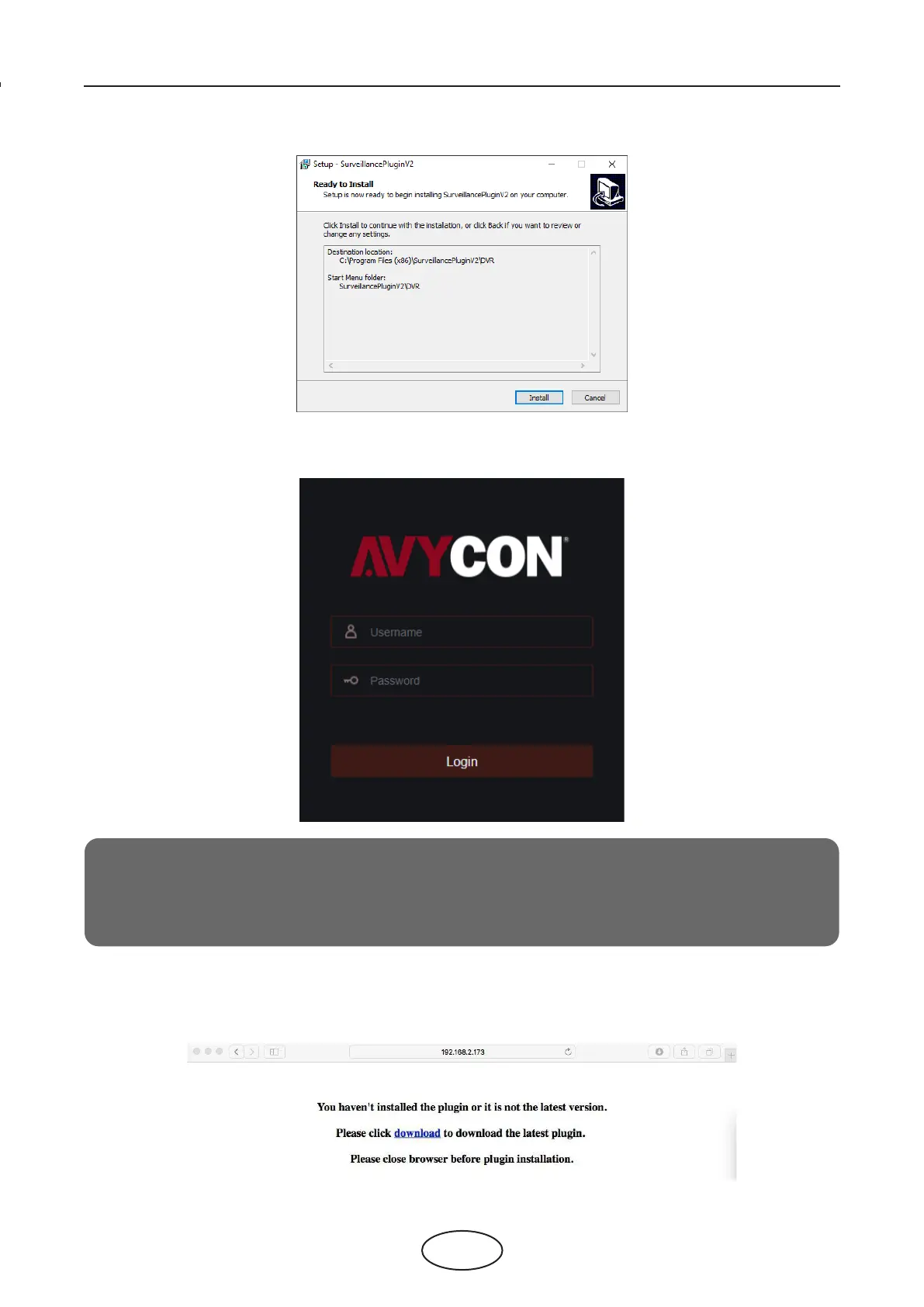
3. After installing the plug-in, restart your browser and repeat step 1 to open the login page. Input your
user name and password to login to the web client.
For Mac Safari:
1. Launch Safari on your Mac, and enter the NVR IP address or DDNS domain name (Host Name) you have
set on the NVR in the URL box.
Note:
If you use Google Chrome, please use Version V41 or below. If you use V42 or above,
you need to enable the NPAPI plugins. Please enter chrome://ags/#enable-npapi on the URL
bar to nd and enable NPAPI. It doesn’t support V45 or above so far.



 To Next Page