47
Notice:
1.
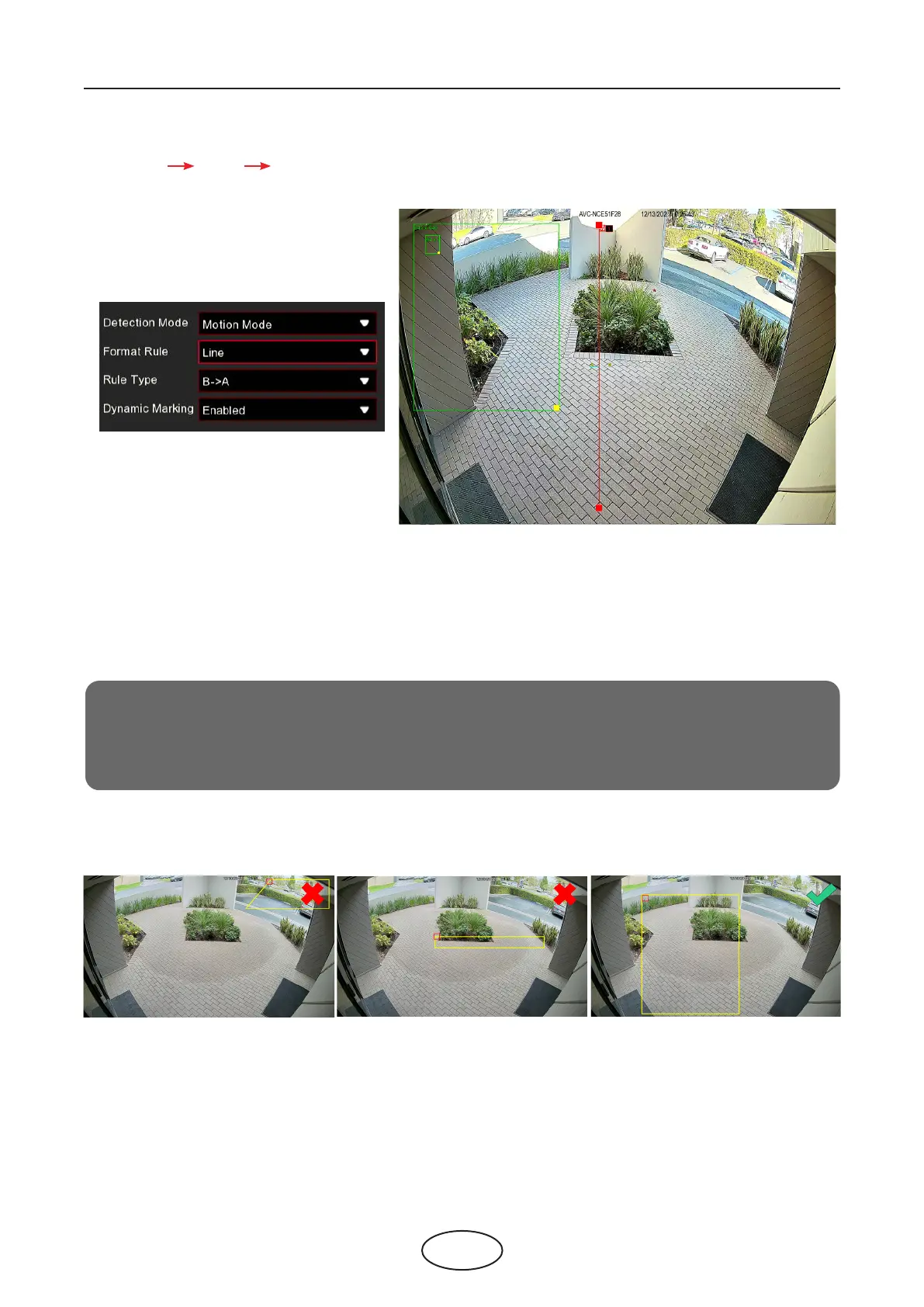
The region for detection can not be in the area that people cannot reach.
2.
The region should include the complete front face.
If you choose Line mode, you need to adjust the position, length of the line, and choose the detectin direc-
tion from B A or A B
Dynamic Marking: If you enable this option, a capture box will be displayed upon the face image in both
live view images and recording les.
5 NVR System Setup



 To Next Page