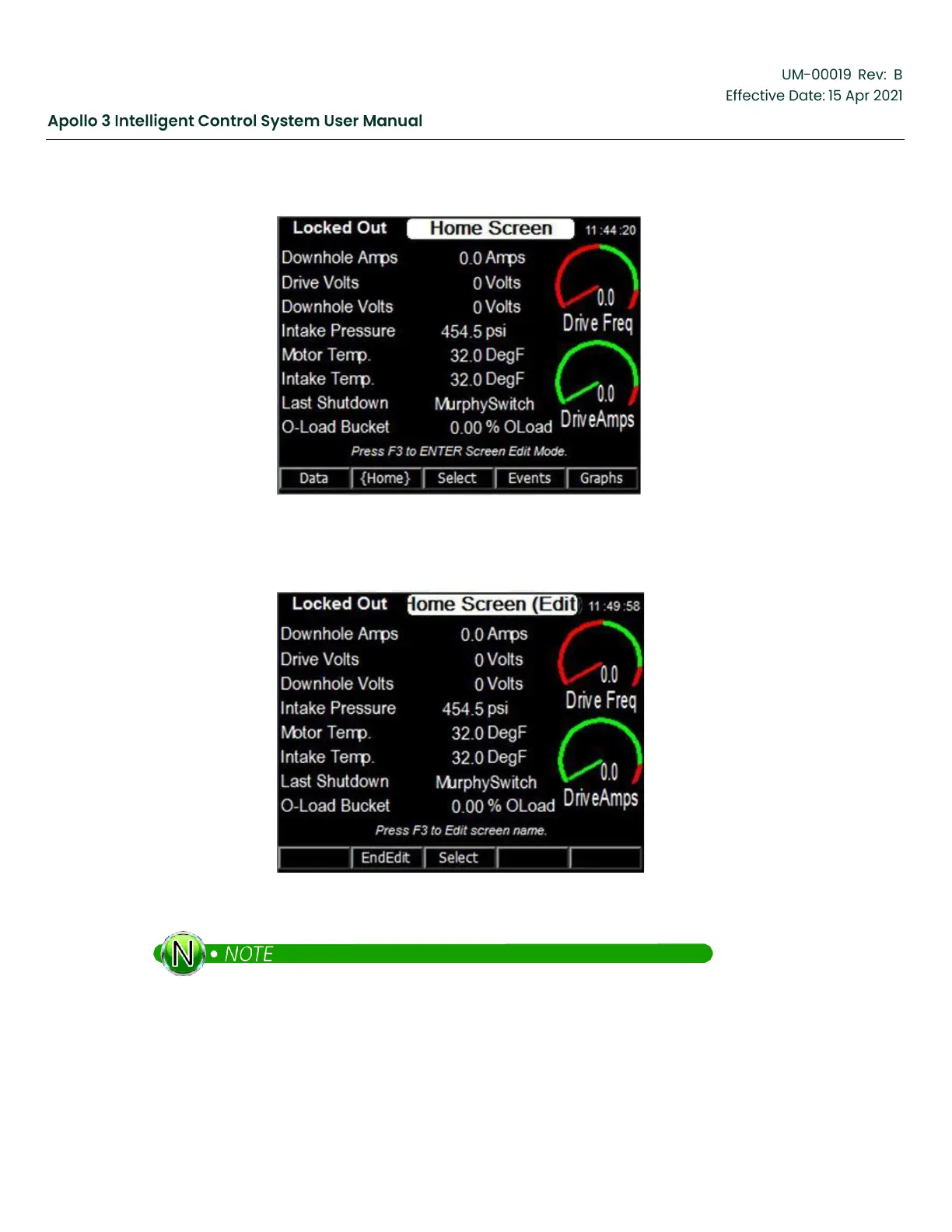
Figure 132: How to Customize–Screens 1
4.
Press the Select function button.
Figure 133: How to Customize–Screens 2
The screen in now in Edit mode.
5.
Use the Up and Down Arrow buttons to select the field to change. In this example, we’ll replace the
downhole sensor Intake Temperature with the Tubing Pressure that is connected to the drive chassis
analog input 1.


 To Next Page