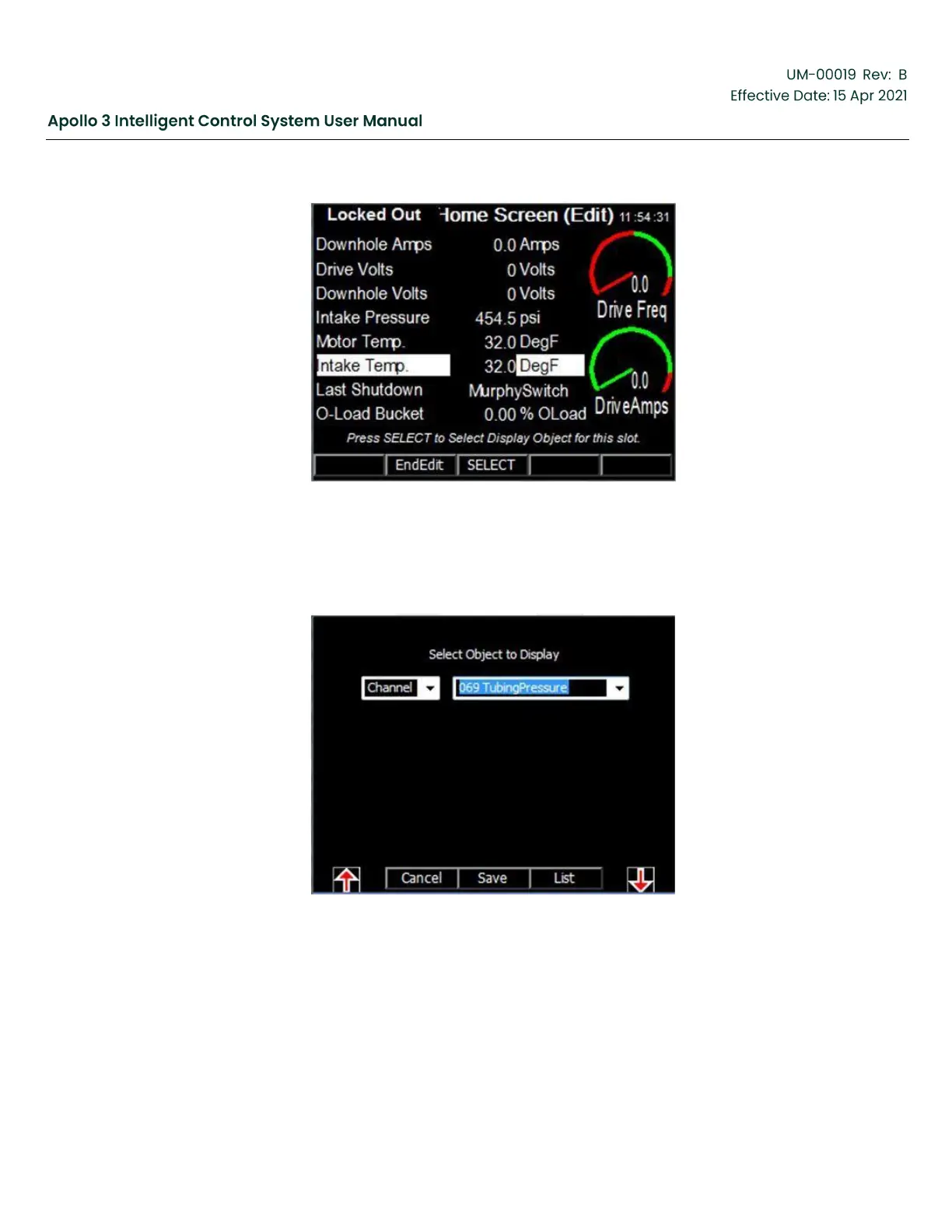
Figure 134: How to Customize Screens–Screen 3
6.
Press the Select function key to bring up the edit screen. Use the F1 and F5 function buttons to select
the object type or object field. Use the Up and Down Arrows to select the object you wish to display.
In our example, we wish to display the TubingPressure Channel.
Figure 135: How to Customize–Screens 4
7.
Press the Save function button to exit back to the Home Screen.


 To Next Page