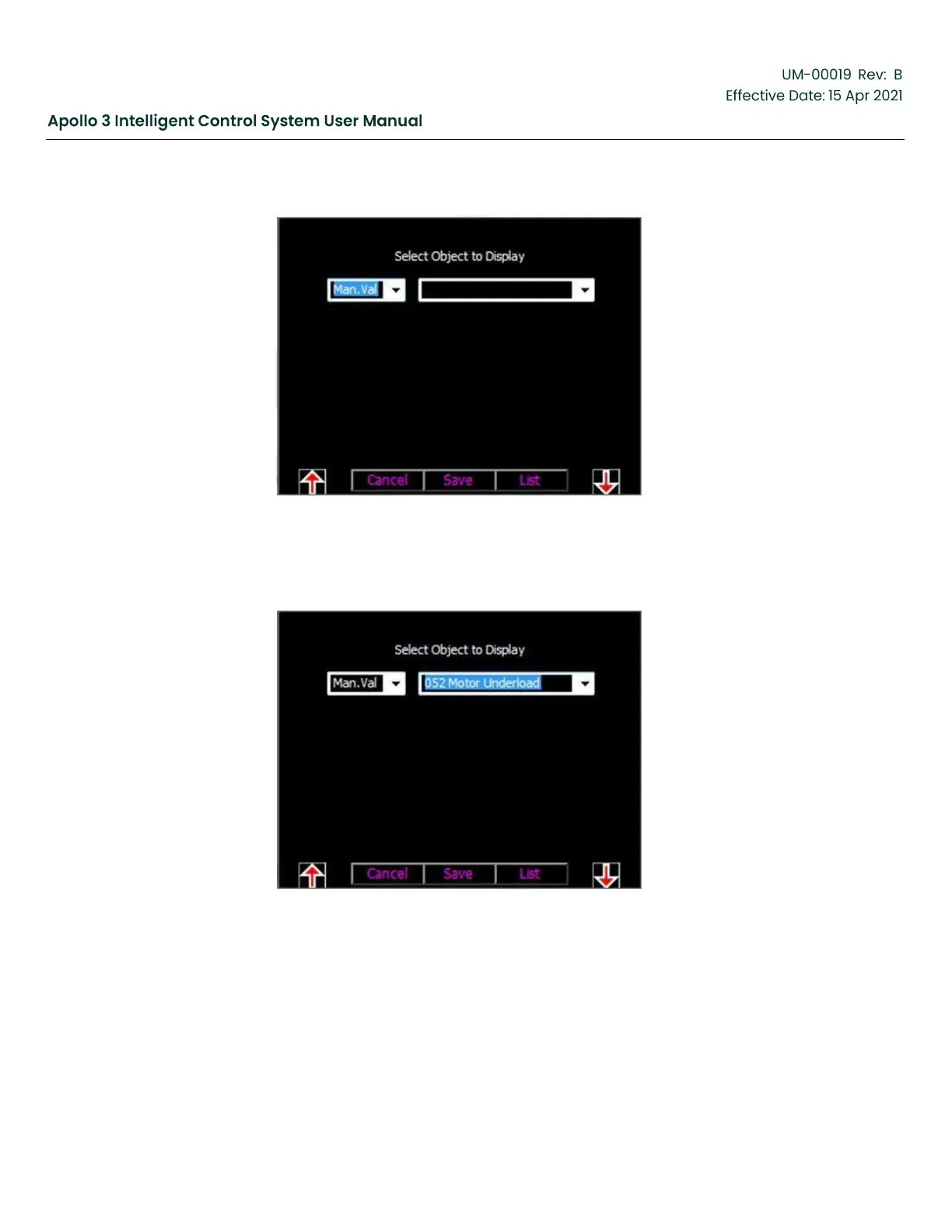
Figure 142: Add the Motor Underload Limit To The Level 1 Settings Rotation-Screen 2
7.
Use the F5 function button to highlight the right field on the screen and use the Up and Down Arrow
buttons to change the field to Motor Underload.
Figure 143: Add the Motor Underload Limit To The Level 1 Settings Rotation-Screen 3
8.
Press the Save function button. The Motor Underload setting now appears with the other parameters in
the Level 1 Settings rotation.



 To Next Page