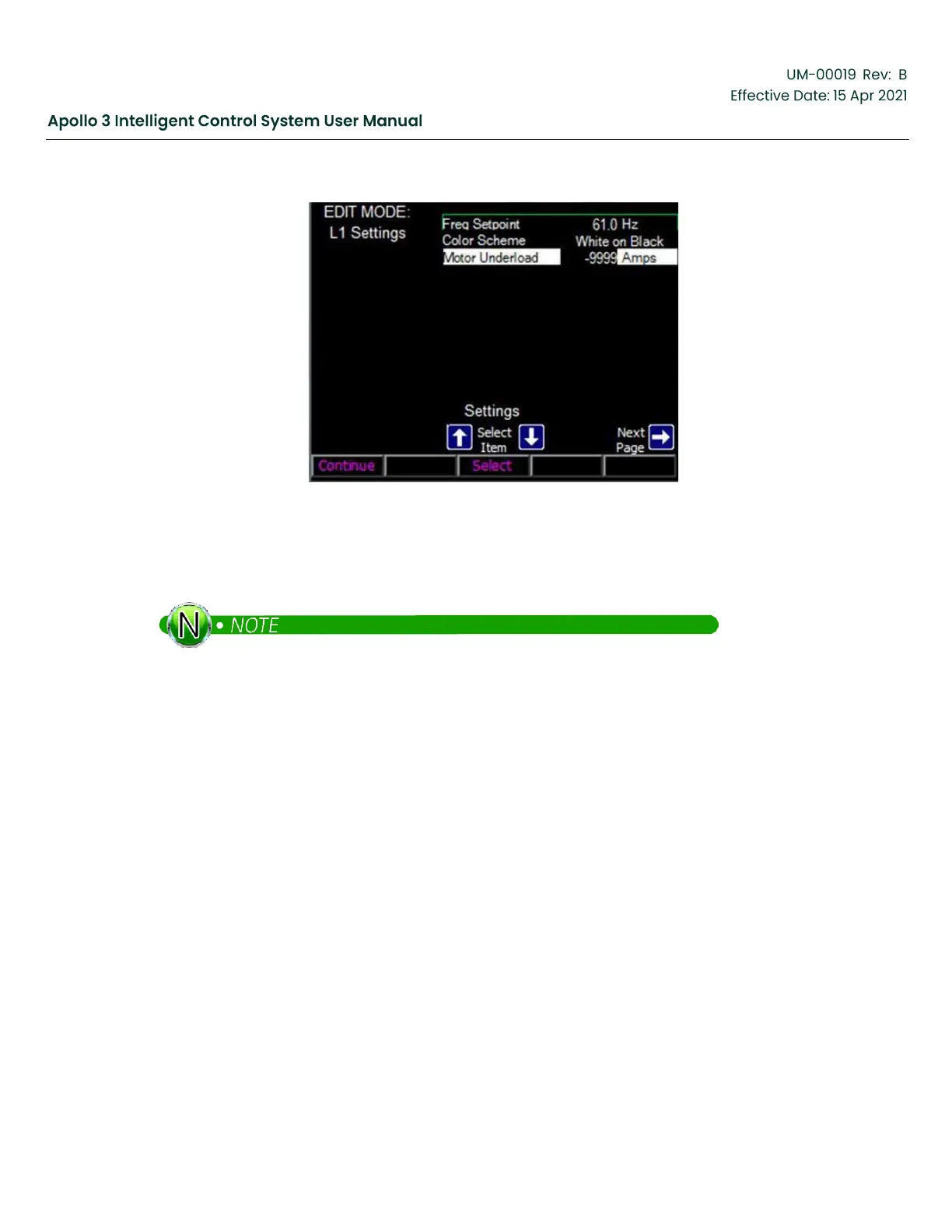
Figure 144: Add the Motor Underload Limit To The Level 1 Settings Rotation-Screen 4
9.
Press the Continue function button to complete the wizard.
The Motor Underload parameter now appears in the Level 1 Settings rotation.
If you wish to add a parameter to the Settings rotation but have it only available to Level 2 and Level
3 users, use the procedure above but insert the parameter after at least one blank line. Likewise, if
you wish to prevent level 1 users from changing the freq. setpoint, you can delete it from the list.
To delete a setting from the list, use the wizard as described above and select the item to be deleted.
When the screen below is displayed, press F1 to select the selection box on the left and then press the
down-arrow and select “None”.



 To Next Page