C8000 Battery Testing System User Manual
100 3 Cadex BatteryLab
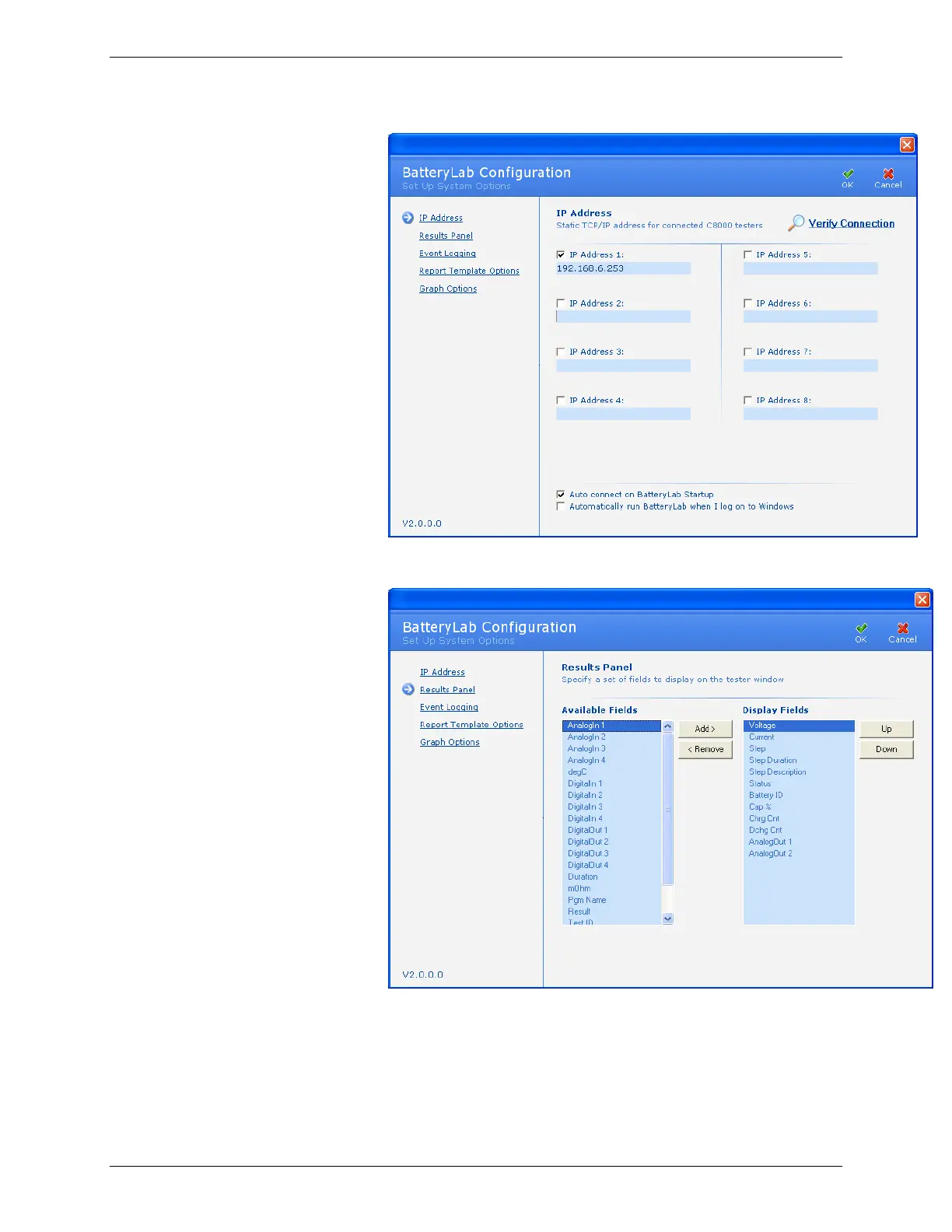
2. Click Results Panel. The Results Panel window appears.
3. To add a field to the Results window, select the field in the
Available Fields column and click Add.
4. To remove a field from the Results window, select the field
in the Display Fields window and click Remove.



 To Next Page