C8000 Battery Testing System User Manual
3 Cadex BatteryLab 149
ground lines, from the Auxillary cable, is connected to the ground
or negative of the battery. Example: Black wire (pin number seven
(7) is connected to the negative terminal of the SM-BUS battery.
(Connection to the battery may vary depending on the battery
configuration. Consult the battery specifications before proceeding with
the connection) for a full description on the Auxillary I/O port
cable.
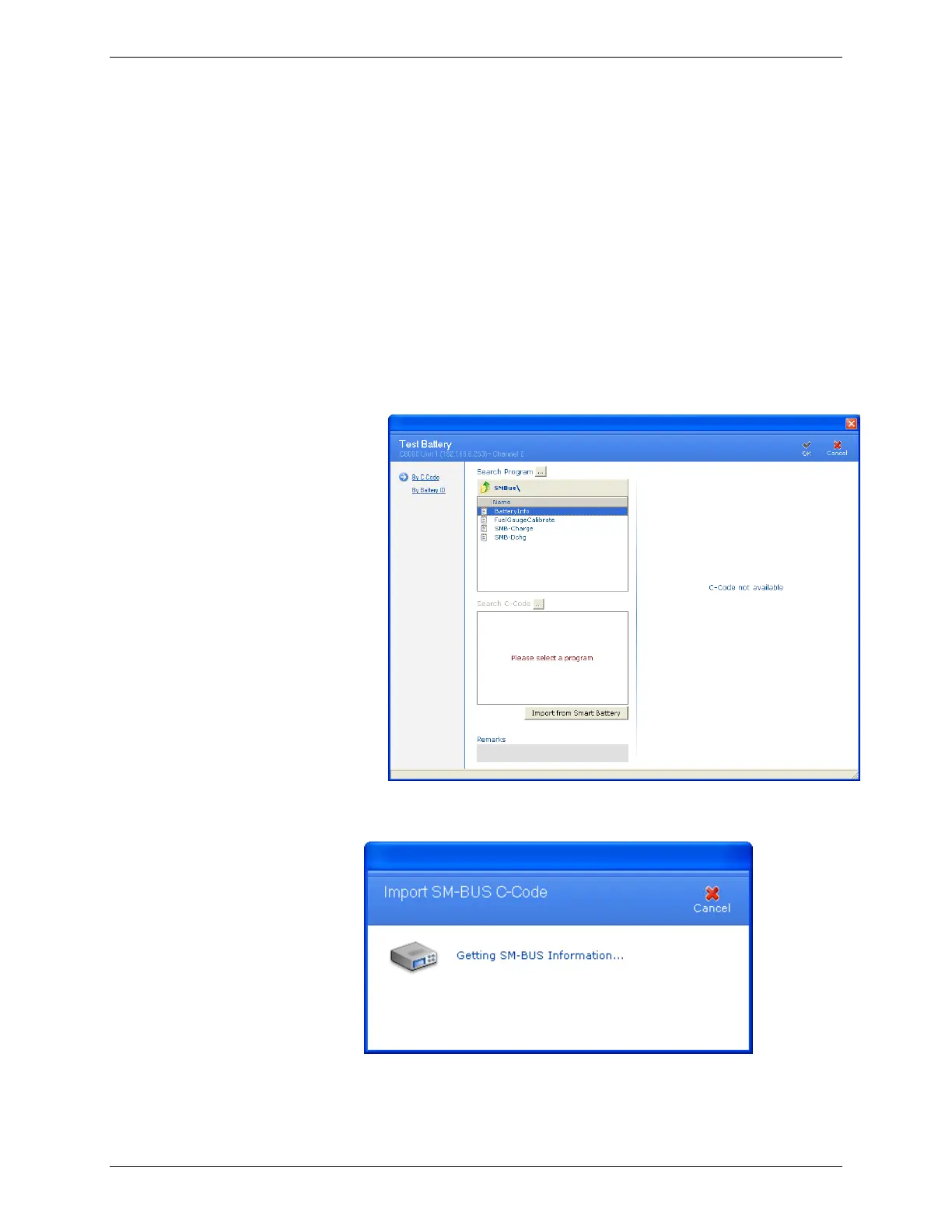
To automatically add a SM-BUS c-code in BatteryLab:
1. Select a C8000, choose a channel, select and right-click on
the channel and choose Test Battery. The Test Battery
window appears..
2. Click Import from Smart Battery and Import SM-BUS C-
Code window will appear.
3. After all required data has been downloaded from the
Smart Battery registers the C-Code Definition window



 To Next Page