C8000 Battery Testing System User Manual
Battery Tester 21
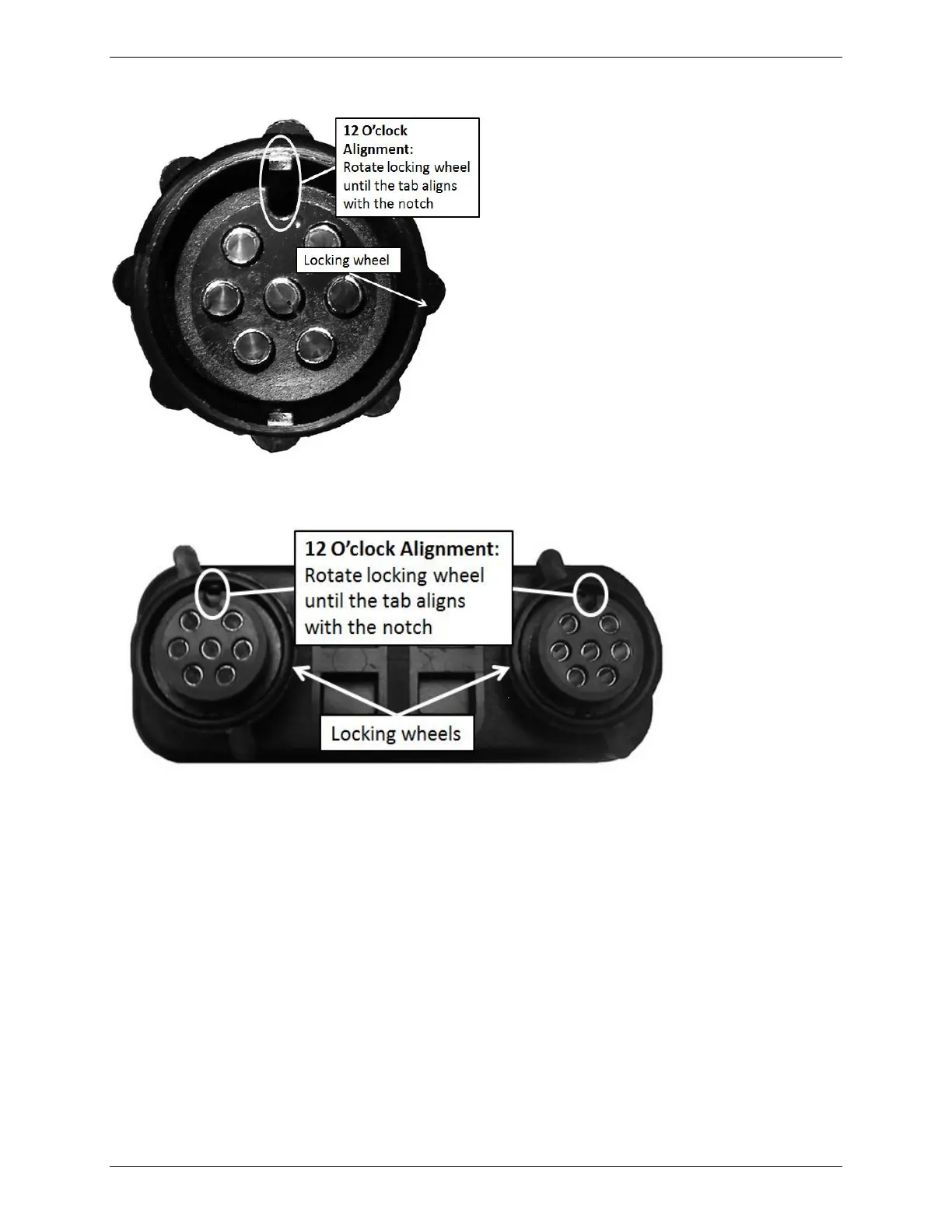
Figure 1 – Power port cable connector end-view
Figure 2 – Dual power port cable connector end-view
iii. Push the battery connector plug into the desired battery channel outlet
(on the C8000), then rotate the locking wheel to secure the connector to
the battery channel outlet.



 To Next Page